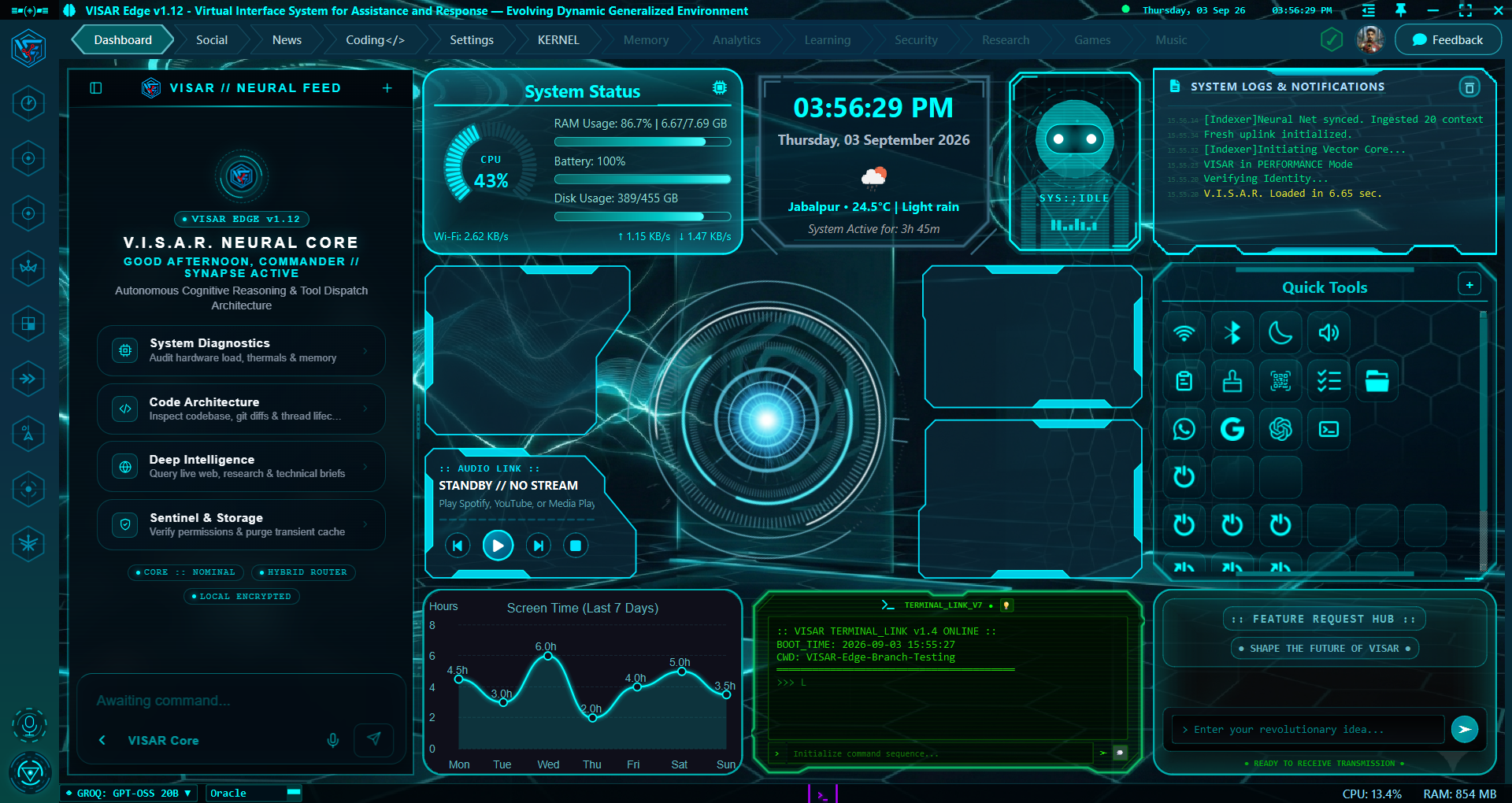
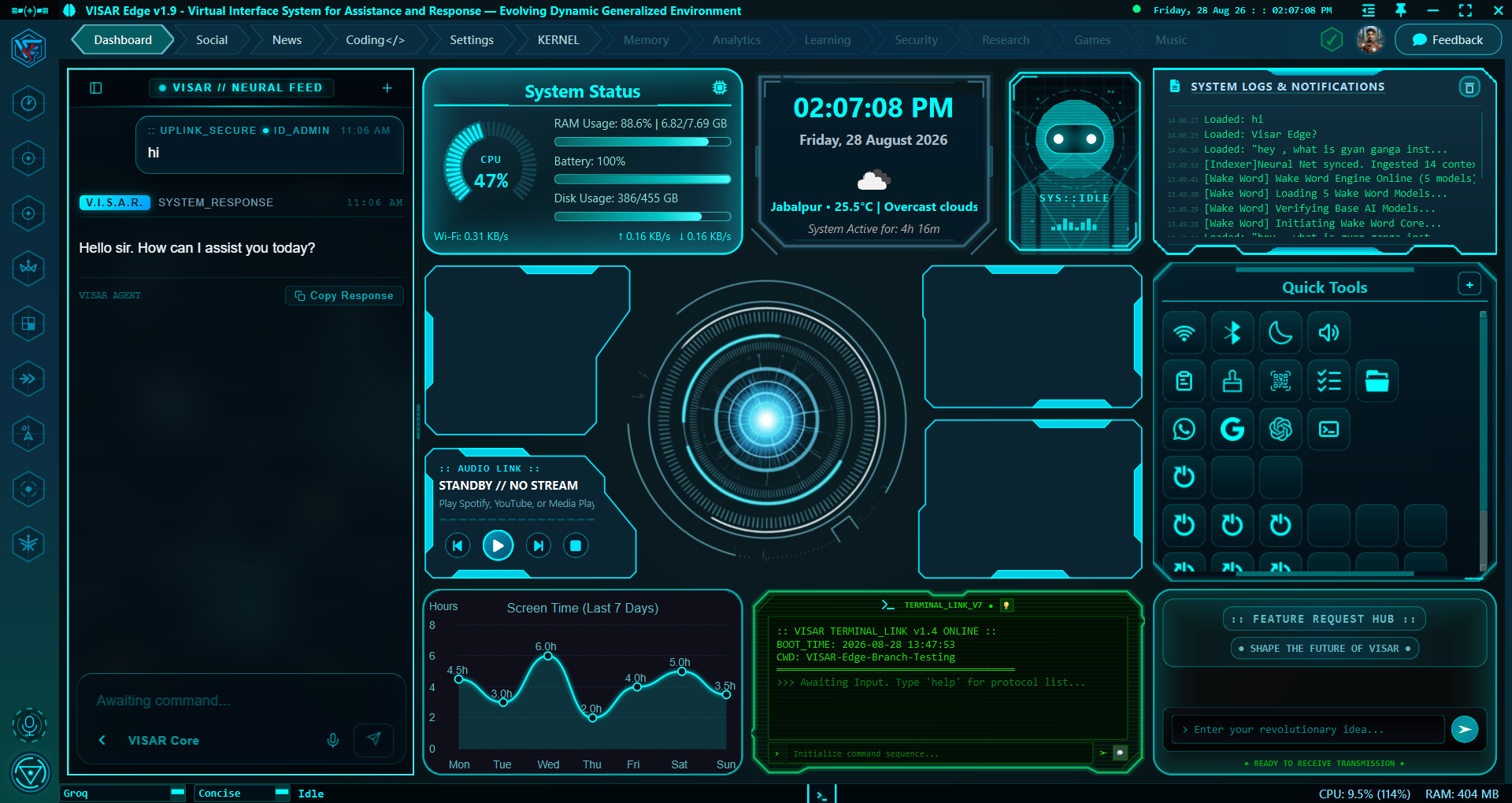
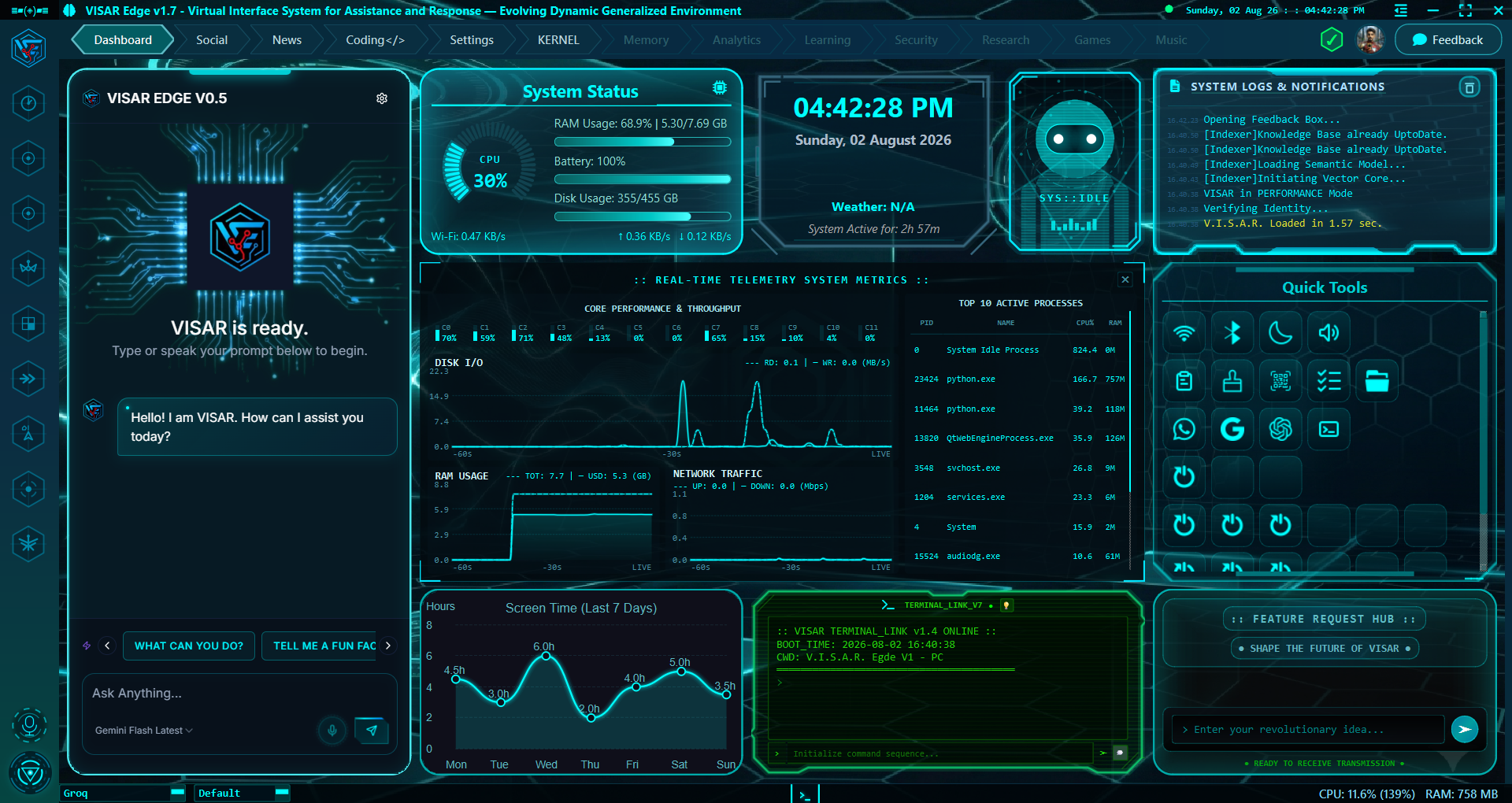
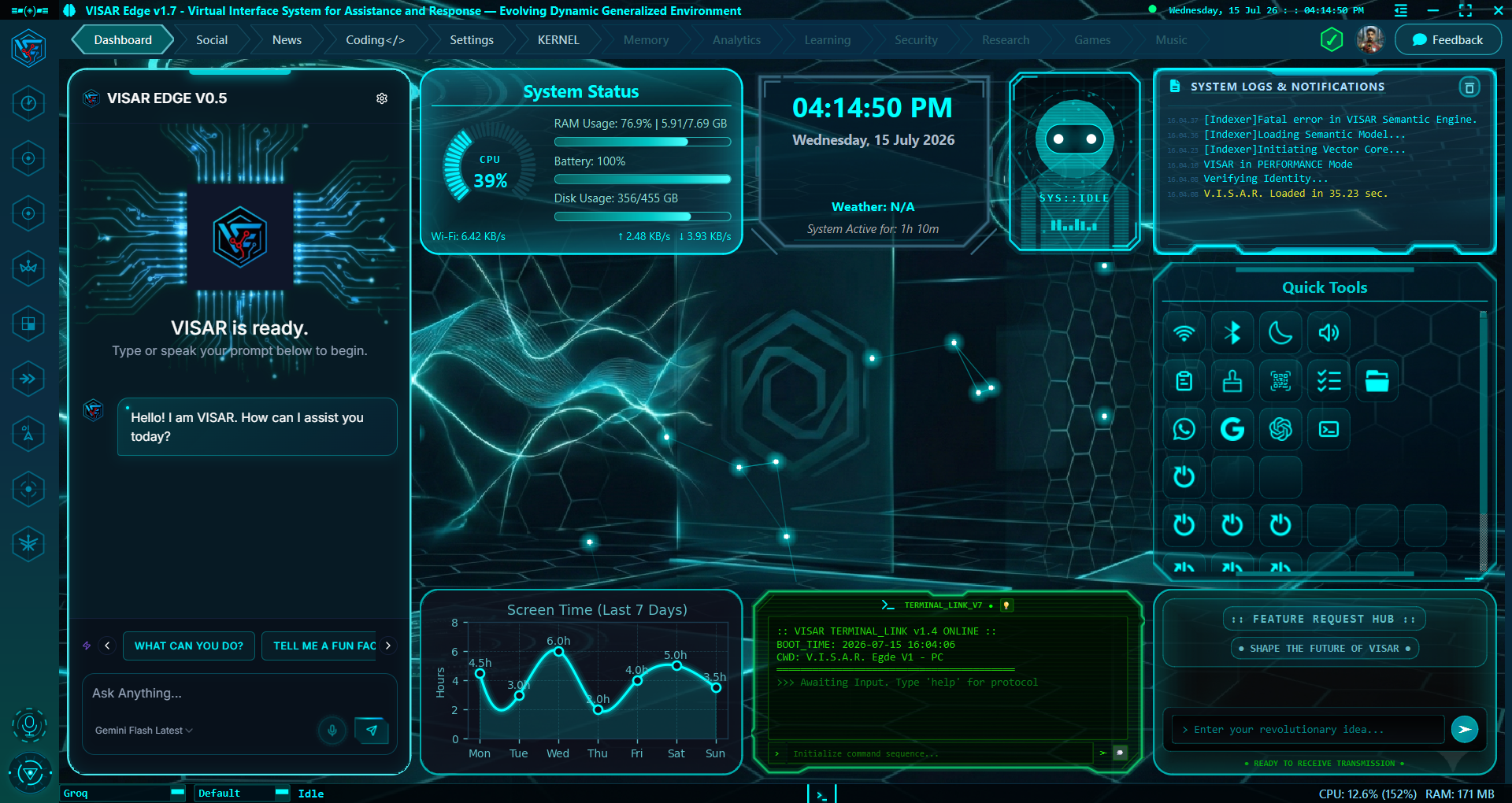
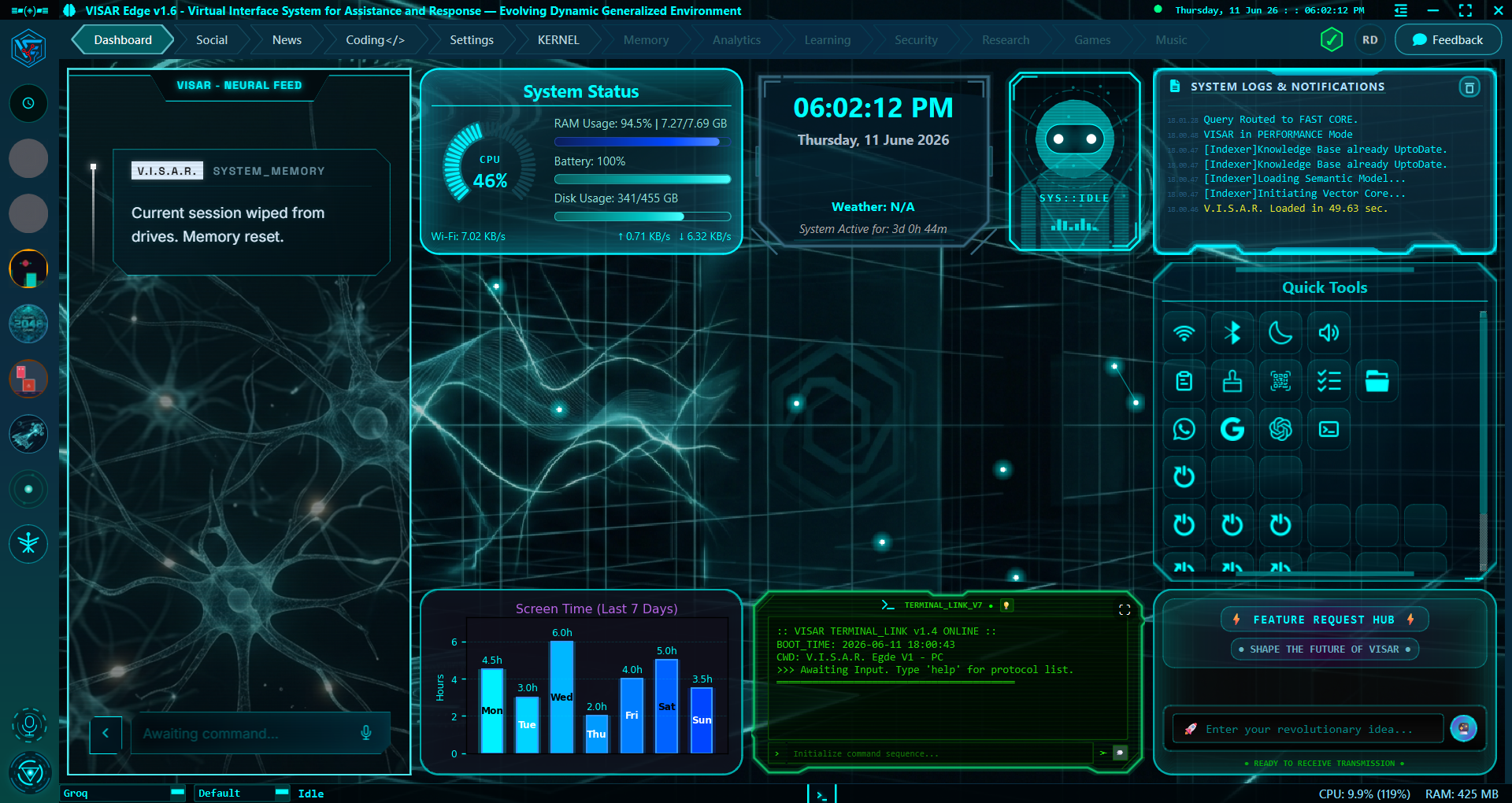
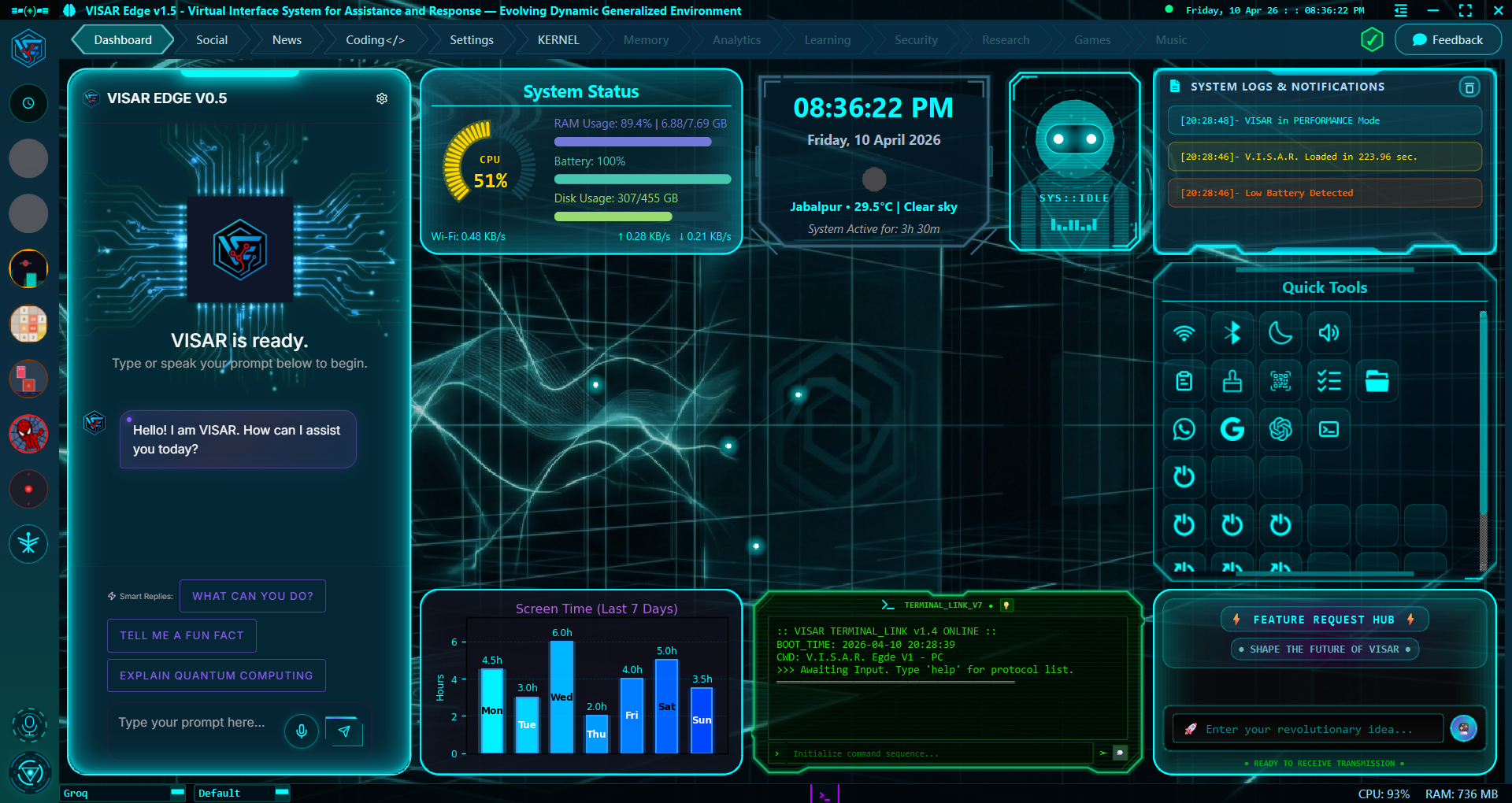
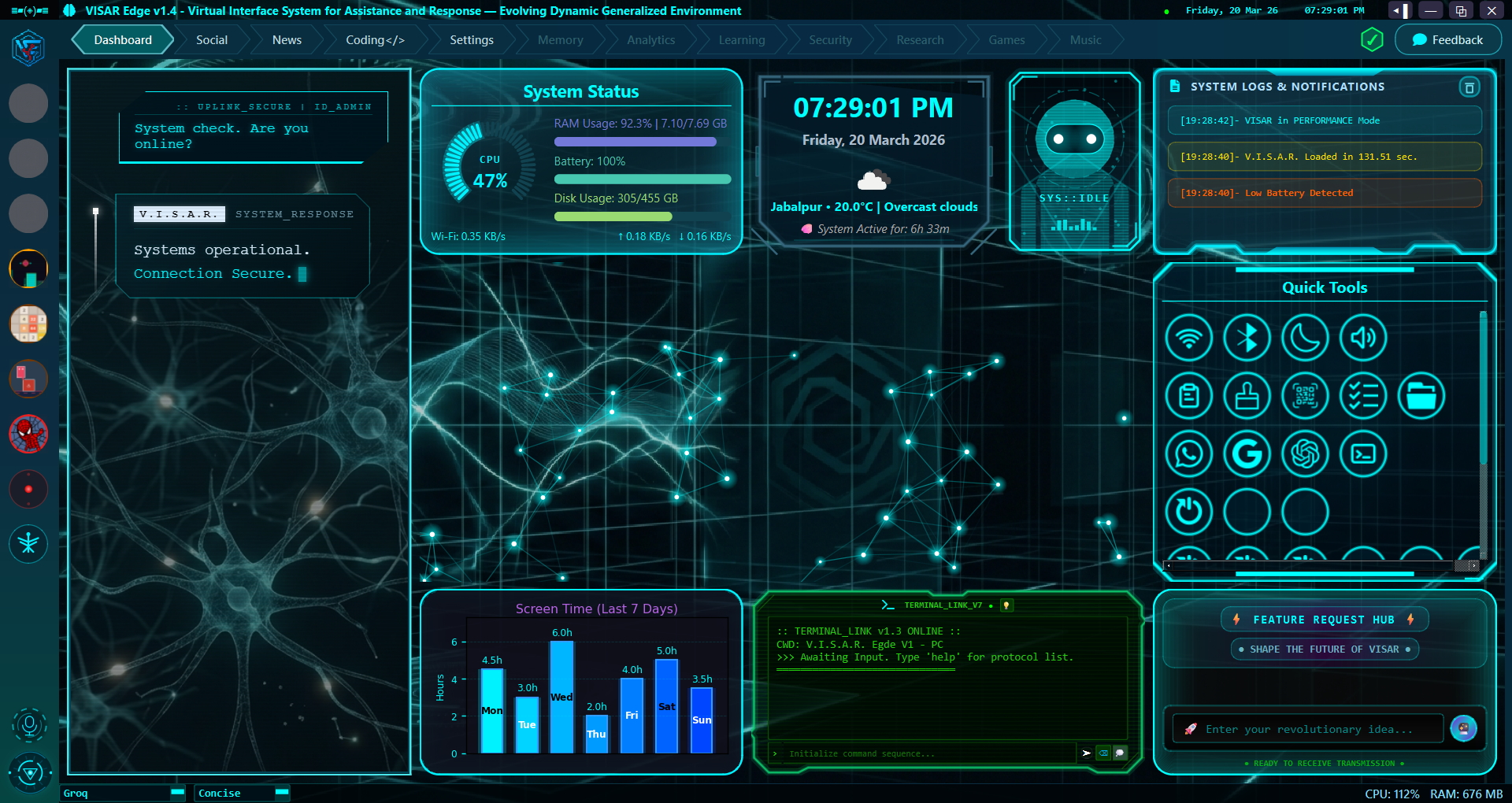
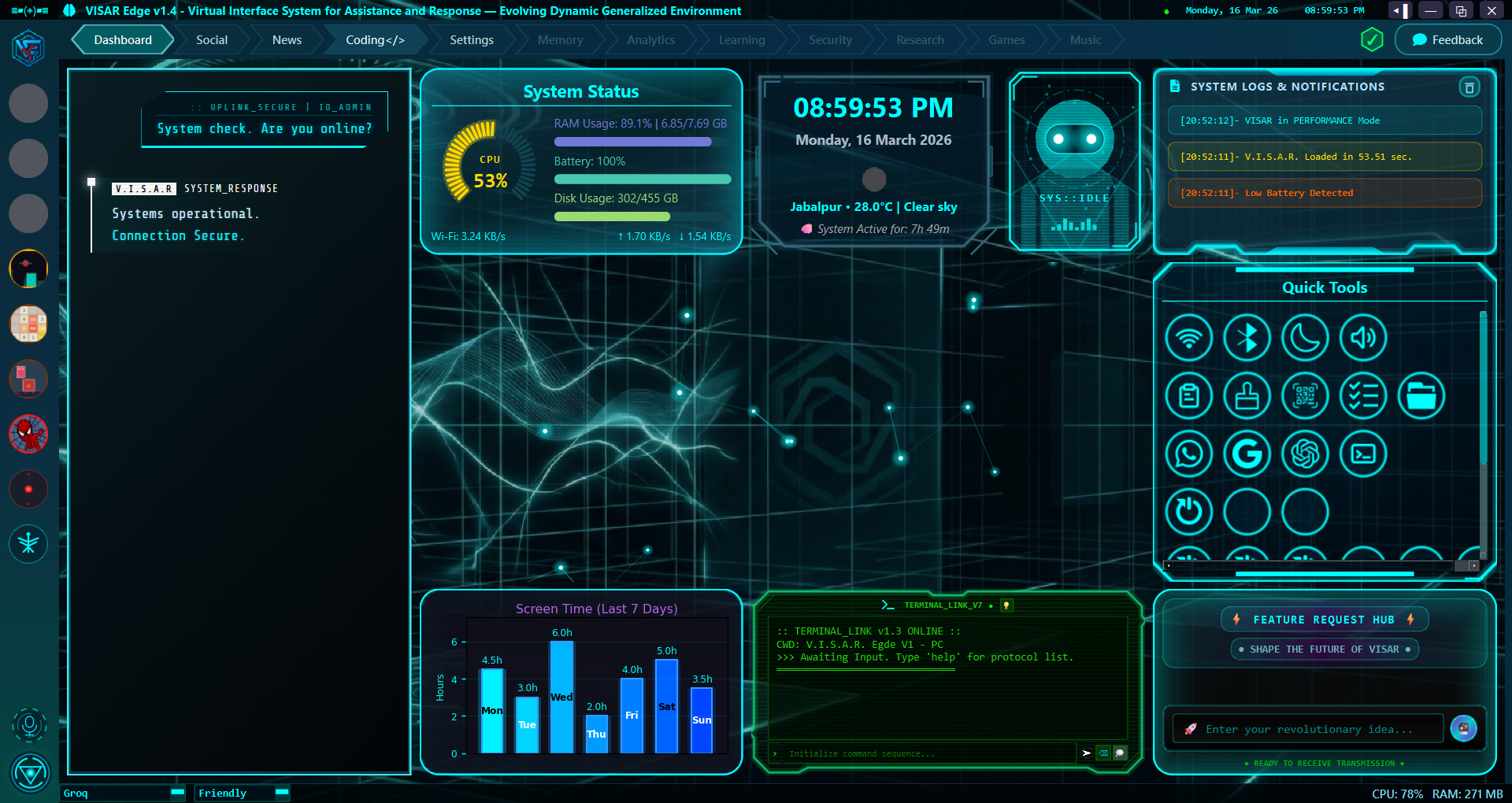
Official release notes, architecture improvements, feature changelogs, and bug fixes for VISAR Edge · Next-Generation Desktop AI Environment. This authoritative archive tracks all 43 production and development milestones from Day 0 (v0.1.0.0) through the current flagship build (v1.16.46.0).
Codename: The Distributed Multi-Device Operating Mesh & Swarm WAL Engine
Summary: This monumental milestone elevates VISAR Edge into a distributed, multi-device cognitive operating environment. It introduces a headless background gateway server with Cloudflare tunneling for mobile pairing, real-time Write-Ahead Log (WAL) persistence for multi-agent swarms, cross-surface queue synchronization, process-isolated vector storage, an autonomous proactive reflection engine, and a zero-drop cold boot input buffer.
Highlights:
Headless Gateway Server & Mobile PWA Mesh with Cloudflare Tunneling
Mobile QR-Code Pairing & 30-Day Cryptographic Bearer Sessions
In-Flight Swarm WAL Journaling with Automated Crash Recovery
Engineered a headless WebSocket and REST gateway server running on a dedicated background loop, enabling concurrent connections from mobile browsers and remote devices.
Built an interactive Mobile Gateway Pairing modal featuring dynamic QR code generation, one-click connection copying, and automated Cloudflare Zero-Trust tunneling.
Introduced in-flight Write-Ahead Log (WAL) disk staging, guaranteeing zero data loss for multi-agent reasoning steps even during unexpected reboots or power cuts.
Added an autonomous background scheduler that executes recurring cognitive memory consolidation, log rotation, and daily morning briefings based on calendar time.
Implemented dynamic AI security explanations that translate unfamiliar terminal commands into plain English safety summaries before execution.
Added mouse-wheel window opacity control in the title bar (from 40% to 100% in 5% steps) with interactive cursor tooltips and quick notifications.
Introduced a triple-mode HUD clock switching smoothly between standard local time, session uptime, and UTC time.
Added a zero-drop startup input buffer that captures early user typing during boot and dispatches prompts cleanly once the system is ready.
Performance & Architecture
Completely decoupled semantic vector indexing from graphical libraries, saving 50-100MB+ RAM during background operation.
Synchronized the prompt queue across desktop, web, and mobile interfaces so cancelling or editing a queued turn updates all screens in real time.
Engineered multi-client session autonomy, allowing remote mobile users to work in their own conversation threads without altering the focused desktop chat.
Consolidated conversation storage to a unified single source of truth, eliminating redundant dual writes and preventing empty draft files.
Reduced streaming delivery intervals by 40%, delivering visibly faster and more responsive conversational typing.
Automated the removal of orphaned vector records whenever conversations are deleted to keep semantic memory pristine.
Fixes & Stability
Deployed an automated startup crash recovery routine that scans for interrupted sessions and labels incomplete turns with descriptive recovery markers.
Hardened security approvals with mandatory token validation, preventing empty network payloads from executing unauthorized actions.
Prohibited shell script interpreters (PowerShell, CMD, Bash, Python) from being permanently whitelisted, closing potential privilege escalation vectors.
Exempted local loopback connections from brute-force rate limits to prevent accidental lockout of the host workstation.
Eliminated ghost session resurrection by strictly synchronizing disk files with sidebar conversation cards.
Removed & Deprecated
Removed legacy voice core audio buffers and dead interface signal bridges.
Purged direct graphical dependencies from background server and vector indexing modules.
System Notes: Version 1.16.46.0 represents the pinnacle of VISAR Edge's architectural journey. By breaking beyond the single desktop window into a distributed, multi-device neural mesh with resilient crash recovery and proactive intelligence, VISAR Edge becomes an indispensable, always-available operating companion.
Codename: The 5-Tier Cognitive Memory Engine & Holographic Hub
Summary: This landmark release introduces Phase 5 Cognitive Architecture to VISAR Edge. It deploys a persistent 5-tier memory engine spanning live working memory, high-speed episodic search, a relational semantic knowledge graph, and procedural playbooks. Concurrently, it replaces legacy placeholders with a brand-new production Memory Hub (Tab 5) featuring an interactive holographic vector canvas, a custom persona engine with zero-restart hot-swapping, and a decoupled 4-dimensional prompt taxonomy.
Sub-3ms SQLite Full-Text Search with Automated Fact Extraction
Added & New Features
Engineered a 5-tier cognitive memory architecture integrating working memory token budgeting, sub-3ms full-text episodic search, an entity knowledge graph, procedural playbooks, and cognitive health metrics.
Introduced the brand-new Memory Hub (Tab 5), providing operators with a dedicated cockpit to inspect knowledge relations, conversation timelines, standing directives, and stored playbooks.
Built an interactive holographic vector canvas that visualizes memories and entity connections in an expansive virtual space with physics-based node layout and smooth mouse-centered zoom.
Introduced the Custom Persona Command Deck, allowing users to create, customize, and hot-swap AI personalities instantly without restarting the application.
Equipped AI agents with dedicated memory tools to remember personal facts, recall historical knowledge, and record repeatable procedural playbooks.
Performance & Architecture
Decoupled prompt construction into four clean cognitive dimensions: Persona Identity, User Standing Directives, Real-Time Hardware Context, and Recalled Dynamic Memory.
Built a tri-hybrid retrieval synthesizer combining full-text search, graph traversal, and vector similarity to supply the most relevant context while guarding token limits.
Added non-blocking OS context capture, providing the AI with accurate real-time awareness of date, time, battery level, and system architecture.
Enabled pixel-smooth scrolling across all memory lists, eliminating awkward row snapping and improving navigation polish.
Fixes & Stability
Resolved an issue with Google Gemini models where system instructions were occasionally bypassed during multi-turn chats.
Fixed persona inertia so switching personalities immediately changes the AI's tone and behavior even in the middle of an active session.
Sanitized full-text search queries against punctuation errors and implemented safe thread-local database management to prevent Windows file-lock collisions.
Centered relation labels and bounding boxes on the vector canvas to eliminate graphic clipping.
Removed & Deprecated
Completely removed outdated placeholder memory boxes in favor of the production-grade 5-view Memory Hub.
Purged legacy static prompt loaders and redundant callsign tags across the entire codebase.
System Notes: Version 1.15.20.0 endows VISAR Edge with genuine, long-term cognitive continuity. By combining relational entity graphs, fast episodic search, and live visual exploration, VISAR transforms into a personalized AI companion that deeply understands its operator, remembers preferences across sessions, and executes complex workflows with precision.
Codename: The Swarm Activity Deck & Subagent Inspector Update
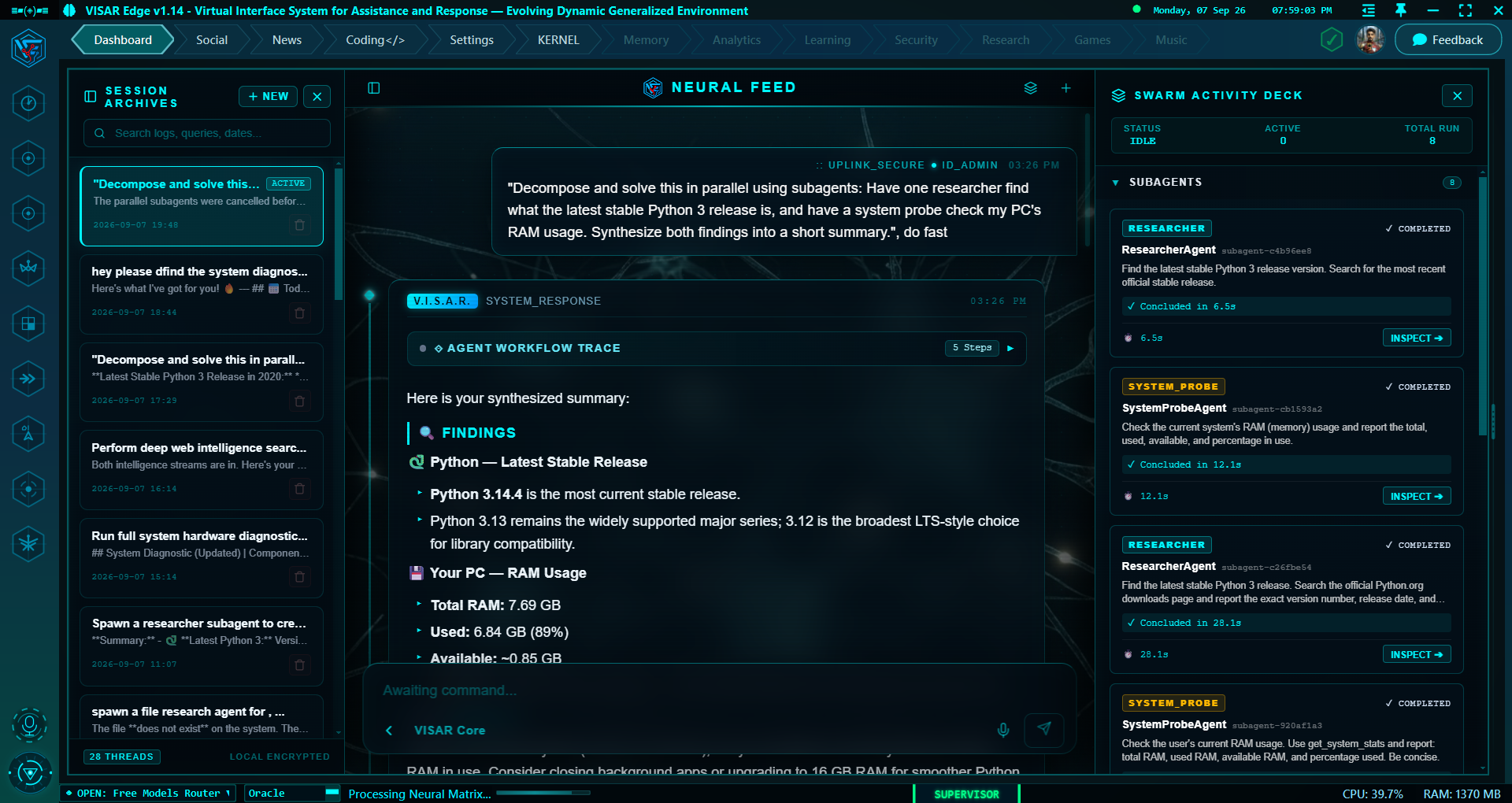
Summary: This visual and architectural milestone brings the Master Supervisor Swarm into a full-featured desktop user experience. It introduces a side-by-side docked Swarm Activity Deck with smooth splitter resizing, an inline chat Swarm Micro-Tree, a dedicated Mini-Agentic Subagent Inspector flyout with live execution timelines, and complete persistent session reconstruction across reboots.
Highlights:
Docked Side-by-Side Swarm Activity Deck with Resizable Splitter
Mini-Agentic Subagent Inspector for Deep Progress Inspection
Inline Swarm Micro-Tree with Pulsing Activity Beacons
Granular Individual Worker Cancellation Controls
100% Chronological Timeline Persistence Across Restarts
Built a side-by-side docked Swarm Activity Deck on desktop displays with a smooth 60 FPS draggable splitter, providing real-time visibility into all active subagents.
Introduced the Mini-Agentic Subagent Inspector flyout: clicking any worker opens an in-depth view showing its delegated mission, chronological thinking steps, tool inputs/outputs, and final answer.
Added an inline Swarm Micro-Tree directly inside conversation turn cards, featuring live timers, role badges, and direct navigation into the Swarm Deck.
Introduced individual worker cancellation controls, allowing operators to halt a specific child subagent without cancelling the overarching supervisor mission.
Added distinct subagent security clearance cards with worker name tags to clearly distinguish child worker permission requests.
Performance & Architecture
Engineered complete chronological timeline serialization, ensuring that all worker reasoning traces and tool executions persist cleanly across application reboots.
Enforced dual-layer context isolation so intermediate subagent data remains visible in the interface while shielding upstream AI models from context bloat.
Updated multi-agent components to hydrate entirely lazily on-screen, adding zero milliseconds of overhead to the cold launch sequence.
Harmonized borders, ambient glows, splitters, and telemetry badges into a sleek, unified cyber-cyan theme.
Fixes & Stability
Fixed loading spinner freezes in the main chat feed by properly transitioning turn cards into active agent status during subagent delegation.
Resolved expanding and collapsing glitches in deck accordions to ensure smooth panel transitions.
Differentiated cancellation signals so stopping an active conversation immediately aborts all workers while single-worker stops isolate cleanly.
Removed & Deprecated
Removed modal overlays on desktop screens in favor of integrated side-by-side docked panels.
System Notes: Version 1.14.4.0 completes the Phase 4 multi-agent architecture with unparalleled desktop polish. Operators no longer have to wonder what background AI workers are doing - every thought, tool call, and timeline event is visible, interactive, and preserved.
VISAR Edge v1.14.0.0 · NEW Multi-Agentic System (Master Supervisor Agent), Hybrid Subagent Swarm & 4th Brain Mode (Major)
Status: Internal Alpha | Release Date:
Codename: The Master Supervisor Swarm & 4th Brain Mode
Summary: This milestone debuts the Master Supervisor Agent and introduces the 4th Brain Mode (SUPERVISOR) with neon emerald HUD styling. Acting as an autonomous team lead, the supervisor decomposes multifaceted objectives into discrete parallel assignments, dispatches specialized worker subagents for research and coding, and unifies findings into a single coherent answer. Built-in loop defenses and recursion depth limits protect against runaway executions.
Highlights:
4th Brain Mode: SUPERVISOR with Neon Emerald Mint Styling
Airtight Recursion Depth Limits to Prevent Runaway Spawns
Smart Triage Auto-Routing for Multi-Faceted Goals
Added & New Features
Introduced the 4th Brain Mode: SUPERVISOR, featuring distinctive neon emerald HUD accents and dynamic task decomposition capabilities.
Engineered the Master Supervisor Agent, capable of breaking down complex prompts into parallel subtasks and orchestrating concurrent child workers.
Added pre-tuned worker archetypes including Researcher (read-only web and data research) and Coder (code generation and execution with security clearance).
Supported on-the-fly dynamic worker creation, allowing the supervisor to define specialized agents tailored to unique mission requirements.
Introduced the Semantic Stagnation Guard, an intelligent anti-loop safety system that detects repeated identical tool calls and guides the agent back on track.
Performance & Architecture
Enforced strict recursion depth capping so child subagents cannot spawn further subagents, guaranteeing controlled and bounded execution trees.
Implemented lazy worker loading to ensure multi-agent capabilities incur zero startup overhead during cold boot.
Streamlined intermediate worker progress reporting to prevent context window bloat and keep token usage lean.
Updated automatic triage routing to detect multi-part research prompts and automatically route them to the Supervisor core.
Fixes & Stability
Resolved message sequencing errors by embedding stagnation warnings inside tool metadata rather than raw user messages, preventing API schema rejections.
Ensured deterministic sorting of parallel tool results to strictly match the order expected by inference providers.
Added memory bounding to worker tracking dictionaries to ensure clean memory reclamation during extensive multi-turn sessions.
Removed & Deprecated
Removed single-agent execution bottlenecks for complex workflows in favor of parallelized multi-worker swarms.
System Notes: Version 1.14.0.0 elevates VISAR Edge into the era of autonomous agent swarms. By combining a strategic team lead with specialized workers and strict safety guardrails, complex research and coding tasks that once took multiple queries can now be accomplished autonomously in a single turn.
VISAR Edge v1.13.5.0 · Tagged Event Bus Demuxer, Background Subagent Shield & Memory Hardening (Minor)
Status: Internal Alpha | Release Date:
Codename: The Swarm Demuxer & Background Shield Architecture
Summary: This update deploys an event demuxing firewall and background shielding layer for multi-agent workflows. By enforcing a strict silent-worker policy, child subagents perform complex research silently in the background without hijacking voice synthesis or polluting the primary chat feed. It also resolves conversation memory amnesia across multi-turn sessions and introduces non-intrusive HUD toast notifications for background approvals.
Highlights:
Multi-Agent Event Demuxer (Zero Chat Bleed from Background Tasks)
Strict Silent-Worker Policy for Autonomous Subagents
Non-Blocking HUD Mini Toast Clearance for Background Tasks
Permanent Fix for Multi-Turn Conversational Memory Amnesia
Cascading Child Subagent Cleanup upon Task Cancellation
Dynamic Context Evaluation for Queued Questions
Added & New Features
Engineered a multi-agent event demuxing firewall that tags events hierarchically, completely preventing child worker tokens and actions from leaking into the main chat view.
Enforced a strict silent-worker guarantee: subagents compute, search, and deliberate in the background without triggering voice speech or overwriting primary dialogue bubbles.
Routed background tool clearances to non-intrusive HUD Mini Toasts, allowing operators to approve or deny background actions without disruptive modal popups.
Introduced cascading task cancellation that automatically discovers and terminates nested child subagents when a parent task is cancelled.
Performance & Architecture
Eliminated multi-turn conversational amnesia by synchronizing active session pointers, ensuring the AI never loses preceding context.
Updated queued prompt evaluation so queued turns dynamically ingest previous answers right when dequeued, guaranteeing up-to-date responses.
Scoped busy status checks strictly to the active session so background worker tasks never falsely lock the foreground interface.
Fixes & Stability
Resolved variable initialization bugs during queue execution when prompts conclude without remaining queued turns.
Fixed premature queue advancement caused by rapidly concluding child subagents.
Prevented orphan clearance requests from remaining permanently frozen when background tasks are aborted.
Removed & Deprecated
Removed untagged global event broadcasting that allowed background workers to inadvertently pollute the main interface.
System Notes: Version 1.13.5.0 establishes rigorous multi-tasking boundaries. By insulating the primary conversation from background subagent activity and eradicating memory loss bugs, operators can converse naturally with VISAR while multiple sub-workers solve complex problems in parallel.
VISAR Edge v1.13.3.0 · Session Turn Sequencer, Auto-Queue Staging & Steer/Send Now Dock (Minor)
Status: Internal Alpha | Release Date:
Codename: The Session Turn Sequencer & Queue Staging Dock
Summary: This release introduces a Session Turn Sequencer and an interactive Queued Messages Staging Dock in the Neural Feed. Users can now queue multiple prompts while the AI is busy, edit or cancel pending questions individually, and dynamically inject mid-flight guidance using a versatile Steer / Send Now dock without losing buffered messages.
Highlights:
Floating Frosted-Glass Queued Messages Staging Dock
Automated Multi-Turn Prompt Buffering (Up to 10 Turns)
Dynamic Steer / Send Now Controller for Running Agents
Inline Single-Turn Prompt Editing and Selective Cancellation
Non-Destructive Stop Button (Freezes Queue Without Clearing)
Clean Timeline Rendering (Queued Prompts Render Only When Active)
Added & New Features
Built an interactive frosted-glass Queued Messages Dock directly above the chat input, neatly displaying pending prompts while the AI finishes active tasks.
Added a dynamic Steer / Send Now button that seamlessly injects guidance into a running agent or immediately fires the next queued prompt if idle.
Introduced inline editing and deletion controls for queued prompts, allowing users to tweak or cancel individual pending turns without wiping the queue.
Engineered non-destructive stopping, enabling users to halt active voice output or task execution while keeping queued messages securely staged for later.
Performance & Architecture
Decoupled prompt input capture from engine execution using an asynchronous FIFO turn buffer, completely eliminating dropped user prompts.
Updated message timeline rendering so queued prompts only appear in the conversation feed once they are actively dequeued and executed.
Ensured conversation context dynamically resolves at execution time, guaranteeing that queued prompts incorporate the latest AI findings.
Fixes & Stability
Resolved text escaping issues within the queue preview card to ensure code snippets and special characters render cleanly without script errors.
Fixed missing state setter references when dequeuing messages during rapid multi-turn conversations.
Prevented premature queue wiping during audio speaking transitions.
Removed & Deprecated
Deprecated legacy input locking that forced users to wait until the AI completely finished before typing another question.
System Notes: Version 1.13.3.0 transforms conversational pacing in VISAR Edge. By allowing users to queue, edit, and steer future prompts while an ongoing task is running, operators can brainstorm and orchestrate multi-step queries at their own natural speed.
Codename: The Concurrency & In-Flight Steer Engine
Summary: This concurrency-focused update introduces an asynchronous AgentPool with task hierarchy management, cascading task cancellation, and live in-flight steering. Operators can now redirect running agents mid-deliberation without losing conversation context, while selective foreground interruption ensures background computing tasks stay alive when new user queries arrive.
Highlights:
In-Flight Steering to Redirect Running Agents Mid-Execution
Hierarchical Task Tree Management with Cascading Cancellation
Automated Long-Running Memory Pruning for Multi-Day Uptime
Thread-Safe Asynchronous Cancellation Pipeline
Added & New Features
Engineered live in-flight steering, allowing users to inject real-time guidance and redirects into an active agent without aborting the ongoing task or losing context.
Built an asynchronous AgentPool manager that coordinates complex parent-child task relationships with selective, hierarchical cancellation.
Introduced selective foreground interruption: submitting a new query stops speech and pauses foreground talking while allowing long-running background tasks to finish untouched.
Performance & Architecture
Wrapped subagent and tool executions in fault-isolation handlers, ensuring cancelled or failing worker agents return clean reports without destabilizing the supervisor.
Implemented automatic memory pruning that retains only the last 100 completed tasks in memory, preventing RAM leaks during prolonged multi-day sessions.
Hardened cross-thread cancellation dispatching to ensure smooth visual recovery when halting operations.
Fixes & Stability
Fixed race conditions where rapid queries submitted right after a cancellation would inadvertently reset the typewriter chat display.
Replaced blunt global kill switches with precision targeted cancellations to protect asynchronous worker stability.
Removed & Deprecated
Removed monolithic single-task interruption routines that previously killed all background computations on user input.
System Notes: Version 1.13.1.0 gives operators interactive steering control over autonomous tasks. By introducing in-flight direction and selective task cancellation, VISAR Edge behaves like a responsive collaborator that listens and adapts in real time.
Codename: The Pluggable Agentic Architecture & Audio Synapse
Summary: This architectural milestone transitions VISAR Edge to a pluggable, modular agent system. By decomposing monolithic execution loops into dedicated conversational and deep-reasoning agents, the system introduces multi-agent primitives capable of spawning scoped child workers. Concurrently, it unifies the audio playback engine on the main thread and upgrades all inference providers to structured multi-turn conversation chains.
Highlights:
Pluggable Agent Architecture (Fast Direct & Deep ReAct Agents)
Hierarchical Multi-Agent Worker Primitives with Tool Sandboxing
Structured Multi-Turn Conversation Protocol with KV Cache Support
Decoupled Sidebar Microphone Controls with Live Audio Levels
Resilient Multi-Provider Support (Gemini, Groq, OpenAI, Ollama)
Added & New Features
Engineered a pluggable agent architecture that decomposes monolithic loops into modular agents specialized for rapid chat or deep iterative reasoning.
Introduced hierarchical child agent primitives, enabling master agents to delegate focused tasks to isolated sub-workers with restricted tool permissions.
Consolidated application sound effects and voice playback onto a centralized audio system, ensuring clean, stutter-free playback across all visual tabs.
Added live audio input amplitude tracking to the microphone interface for real-time visual feedback.
Performance & Architecture
Modernized the core reasoning loop to maintain structured message chains, enabling external inference engines to reuse prompt caches for faster responses.
Hardened provider integrations for Google Gemini to preserve internal reasoning signatures between tool executions, preventing API validation errors.
Implemented intelligent tool-stripping fallbacks for specialized models on Groq to ensure uninterrupted conversational output.
Optimized cold boot pre-warming by loading low-level audio extensions in background threads to avoid interface initialization pauses.
Fixes & Stability
Resolved thread affinity issues in audio and speech management that previously caused sound signals to be dropped when background tasks finished.
Fixed validation errors with lightweight Gemini models by dynamically tailoring thinking parameters to model capabilities.
Ensured graceful sound termination during system shutdown sequences to eliminate abrupt audio clipping.
Removed & Deprecated
Decommissioned monolithic hardcoded agent loops from the core engine in favor of the dynamic agent registry.
Removed legacy prompt-string flattening in favor of standard structured message sequences.
System Notes: Version 1.13.0.0 lays the multi-agent groundwork for VISAR Edge. By decoupling agents into discrete components with scoped tool permissions, the platform can orchestrate sophisticated task hierarchies with flawless audio-visual synchronization.
Codename: The Native Tool Protocol & Multi-Provider Resilience Engine
Summary: This architectural update elevates the agentic brain by transitioning all model interactions to structured multi-turn conversation chains. By replacing legacy string flattening with standard message arrays and native tool schemas, VISAR Edge unlocks remote KV prompt caching, eliminates token format drift on local models, and introduces proactive multi-provider fallback resilience across Gemini, Groq, OpenAI, and Ollama.
Highlights:
Native Multi-Turn Conversation Protocol
Remote KV Cache Prefix Reuse for Faster Inference
Gemini Thought Signature Persistence Across Iterations
Proactive Tool-Stripping Fallbacks for Compound Models
Local Model JSON Format Drift Elimination (ChatML)
Standard OpenAI-Compatible Tool Schema Normalization
Added & New Features
Implemented standardized multi-turn message chains, allowing AI models to preserve rich tool execution contexts cleanly across multi-step deliberations.
Added an automated tool schema normalizer that translates internal functions into standard OpenAI-compatible specifications with metadata persistence.
Performance & Architecture
Enabled server-side prompt cache reuse on OpenAI and local Ollama models, noticeably reducing token generation latency on long conversations.
Hardened Google Gemini provider integration to echo internal reasoning signatures back to the model during multi-step tool calls, preventing API validation rejections.
Introduced proactive tool-stripping and intelligent retries for specialized speech and compound pipelines on Groq to ensure uninterrupted output.
Eliminated local model token formatting drift when communicating over ChatML and standard prompt templates.
Fixes & Stability
Resolved API parameter errors with lightweight Gemini models by scoping reasoning configuration flags strictly to models with thinking capabilities.
Validated message chain serialization and thought signature round-tripping across all providers with dedicated automated test suites.
Removed & Deprecated
Decommissioned legacy prompt-string flattening across the Agentic Brain in favor of structured message histories.
System Notes: Version 1.12.20.0 brings industrial-grade standardization to VISAR Edge's model communication layer. By preserving native message roles, tool calls, and thought signatures across iterations, inference runs faster, cleaner, and with zero provider format drift.
Codename: The Subprocess Hardening & Headless Config Engine
Summary: This stability and engine update (consolidating v1.12.19.0 and v1.12.19.1) resolves system command overflow crashes on Windows, expands AI command safety explanation lengths to prevent truncated text, and deploys a zero-bloat headless configuration engine featuring atomic file-lock retries and 4x faster chat core detection.
Highlights:
Windows Subprocess Exit Code Overflow Protection
8x Expanded AI Security Explanation Length (Up to 1024 Tokens)
Atomic Windows File-Lock Retry Loops with Exponential Backoff
4x Faster Chat Core Readiness Detection (0.25s)
Clear Hexadecimal System Return Code Diagnostics
Added & New Features
Expanded the AI safety explanation token capacity from 120 to 1,024 tokens, ensuring complete, multi-bullet safety analyses for unfamiliar terminal commands without premature cutoff.
Added clean hexadecimal formatting to terminal return codes for instant diagnostic clarity when commands fail.
Integrated background terminal workers into the centralized system thread monitor for full operational visibility.
Performance & Architecture
Engineered a lightweight configuration core that operates without graphical dependencies, ensuring fast initialization for headless tasks and utilities.
Promoted configuration tracking to native OS filesystem watchers upon window launch, dropping background polling overhead to 0%.
Accelerated chat core readiness detection by 4x (from 1.0s to 0.25s), speeding up initial chat availability.
Added intelligent fallback handling for AI explanations when reasoning models emit thinking traces in place of standard text bodies.
Fixes & Stability
Resolved a fatal integer overflow crash on Windows when system commands or hardware queries return large 32-bit unsigned exit codes.
Implemented atomic disk write retry loops with exponential backoff, completely eliminating Windows file contention errors when saving configuration data.
Guarded explanation popups against empty string rendering bugs in the chat interface.
Removed & Deprecated
Removed eager UI library imports from core configuration management utilities.
System Notes: Version 1.12.19.1 delivers essential hardening across system command execution and configuration persistence, guaranteeing that complex Windows exit codes and rapid settings writes never destabilize the workspace.
VISAR Edge v1.12.18.0 · Dual-Tier MCP Process Lifecycle, Quantum Zero-State & Process Spawn Isolation (Minor)
Status: Internal Alpha | Release Date:
Codename: The Dual-Tier MCP Lifecycle & Quantum Launchpad Update
Summary: Consolidating major architectural advancements from v1.12.17.0 and v1.12.18.0, this release introduces a dual-tier lifecycle management architecture for external tool servers (instant 0ms warm standby vs. full process termination to reclaim RAM). It also unveils the Quantum Core Zero-State launchpad in the Neural Feed, eliminates cold boot memory duplication saving ~450MB RAM, and deploys zero-flicker UI updates.
Highlights:
Dual-Tier MCP Server Lifecycle (Warm Standby vs. Full Process Kill)
Zero-Flicker In-Place Tool Card State Diffing
Quantum Core Zero-State Chat Launchpad with Orbital Animations
~450 MB Startup RAM Savings via Process Spawn Isolation
Official High-DPI Vector Insignia Integration
Detached Browser Launcher for Frictionless External Authentication
Tuned Embedded Web Engine Memory Constraints
Added & New Features
Engineered a dual-tier lifecycle for external tool servers: Tier 1 Soft-Muting enables instantaneous 0ms toggling, while Tier 2 Process Termination completely frees 100-150MB RAM per server.
Introduced the Quantum Core Zero-State launchpad for new chats, featuring rotating holographic orbital rings, dynamic greetings, and quick-start prompt shortcuts.
Integrated the official high-DPI VISAR vector insignia across the top HUD header and core visual elements.
Added a global 'Kill All' tool servers button and two-step safety confirmations for individual server management.
Introduced detached browser launching for web logins, ensuring authentication tabs open independently without tying into internal application memory.
Performance & Architecture
Isolated background process initialization on Windows, preventing accidental GUI re-spawns and saving over 450MB of redundant RAM during cold boot.
Upgraded tool configuration cards with in-place state updating, completely eliminating interface flickering and scroll jumps when modifying settings.
Applied strict memory tuning parameters to embedded browser components to cap background memory overhead.
Filtered external browser processes out of application telemetry to ensure displayed system metrics remain accurate.
Streamlined agent step tracking so permission clearance prompts are no longer miscounted as reasoning steps.
Fixes & Stability
Fixed server disconnection hangs during shutdown by introducing protected timeout guards and graceful exit handlers.
Resolved race conditions when rapidly toggling tool servers off and on during initial connection handshakes.
Ensured login dialog background threads terminate cleanly upon closing to prevent orphaned authentication tasks.
Resolved asset path resolution issues across desktop views and remote tunnel viewports.
Removed & Deprecated
Removed destructive full-layout redraws when toggling tool states in favor of seamless in-place state diffing.
Purged heavy blur shaders on inactive background tabs to save rendering overhead.
System Notes: Version 1.12.18.0 delivers unprecedented memory discipline and aesthetic refinement. By giving operators granular control over background process lifecycles and eliminating 450MB+ of startup RAM overhead, VISAR Edge operates with unmatched speed and efficiency.
VISAR Edge v1.12.15.0 · Zero-Idle Centralized Lifecycle Engine & Background CPU Sleep Architecture (Minor)
Status: Internal Alpha | Release Date:
Codename: The Zero-Idle CPU Lifecycle & Deep Sleep Update
Summary: This efficiency-focused release introduces a centralized lifecycle governor that places visual paint loops, recursive hardware scanners, and background network pings into a deep-sleep state whenever the window is minimized or occluded. CPU utilization drops to ~0.0% in the background, maximizing laptop battery life while preserving complete state tracking and seamless instant wake.
Highlights:
Near 0.0% CPU Utilization When Minimized or Hidden
Deep-Sleep Engine for Visual Shaders & Paint Loops
Decoupled AI State Tracking During Minimized States
Battery-Optimized Media Deck Polling Intervals
Intelligent Diagnostic Telemetry Continuity
Instant UI Awakening with Zero Frame Lag
Added & New Features
Engineered a centralized lifecycle engine that automatically detects window minimization and tab switching to throttle background rendering.
Introduced deep-sleep governors across visualizers, animated avatars, shaders, and sidebar indicators to completely suspend render cycles when hidden.
Added intelligent background sleep for system media tracking, reducing polling frequencies when no media is playing to conserve laptop battery.
Performance & Architecture
Dropped background idle CPU usage to approximately 0.0% by halting high-frequency render timers whenever the application is not actively viewed.
Decoupled AI state management from screen drawing, ensuring state changes, error notices, and reasoning transitions update in memory while minimized and restore instantly when reopened.
Automatically paused six intensive animation loops within the Kernel nervous system graph when navigating to other configuration tabs.
Preserved background diagnostic recording for users who explicitly leave long-running telemetry benchmarks active.
Fixes & Stability
Fixed layout scope exceptions in the title bar when responding to rapid window minimize and maximize actions.
Resolved missing animation references on rotating ring graphics inside the Kernel control panel.
Prevented recursive process scans from continuing to consume CPU cycles when the status bar is hidden.
Removed & Deprecated
Decommissioned unthrottled background animation loops across all dashboard widgets.
System Notes: Version 1.12.15.0 establishes a new standard for desktop AI software efficiency. Operators can keep VISAR Edge running all day in the background with absolute confidence that it will never drain laptop battery or steal CPU cycles from other intensive applications.
Codename: The Multi-Process Neural Engine & Sandbox Architecture
Summary: This architectural release evolves VISAR Edge into a distributed multi-process system, moving continuous neural audio evaluation and heavy semantic vector indexing into isolated background processes. It introduces a secure, process-isolated Python execution sandbox, an ecosystem-wide hardware telemetry matrix, and an advanced 3-tier process diagnostics monitor.
Highlights:
Distributed Multi-Process Neural Architecture
Zero-Lag Wake-Word & Continuous Audio Processing
Process-Isolated Python Execution Sandbox with Timeouts
Off-Thread Screen Vision OCR (Zero Frame Drops)
Aggregated Multi-Process System Resource Telemetry
Redesigned 3-Tier Process & Thread Diagnostics Monitor
Near-Zero AI Activation Latency (5.5s to 2ms)
Added & New Features
Introduced an isolated Python code execution sandbox, allowing AI agents to run custom code safely in a separate process with strict time limits and process cleanup.
Built an ecosystem-wide telemetry aggregator that tracks accurate CPU and memory consumption across the main app and all active background helper processes.
Added a live-updating status bar tooltip matrix providing real-time hardware metrics with a double-click shortcut to the Diagnostics Monitor.
Redesigned the Process & Thread Monitor with dedicated categorization tabs for the main host, child processes, and background workers.
Performance & Architecture
Moved neural wake-word evaluation and continuous microphone listening into an isolated process, completely freeing the interface from audio processing stalls.
Offloaded text chunking and semantic vector embedding calculations to a separate background worker, protecting workspace memory from sudden spikes.
Shifted full-screen visual OCR capture to background threads, eliminating 100-300ms display stutter when analyzing user screens.
Removed redundant synchronous vector indexing during application boot, slashing startup AI engine activation delay from 5.5 seconds down to ~2 milliseconds.
Fixes & Stability
Fixed sorting crashes in the Thread Diagnostics Monitor when ordering tasks with non-standard numeric metrics.
Resolved handle retention bugs in status bar dialogues to ensure smooth reopening after being closed.
Hardened sandbox script execution to guarantee child process termination even when user-submitted scripts encounter infinite loops.
Removed & Deprecated
Decommissioned monolithic in-process neural model inference in favor of isolated background child processes.
System Notes: Version 1.12.10.0 elevates VISAR Edge's compute foundation. By running intensive neural inference and code sandboxes in completely separate OS processes, the desktop interface remains completely unaffected by heavy AI and data processing loads.
VISAR Edge v1.12.0.5 · Model Context Protocol (MCP) Hub, Dynamic Plugins & Self-Healing Session Engine (Major)
Status: Internal Alpha | Release Date:
Codename: The MCP Ecosystem & Self-Healing Session Engine
Summary: This landmark update introduces native Model Context Protocol (MCP) integration and dynamic user plugins to VISAR Edge. Operators can seamlessly connect local and remote external tool servers, toggle integrations with instantaneous zero-latency warm standby, and inspect capabilities through a gorgeous glassmorphic MCP Hub. The release also debuts isolated tool sandboxing, resolved voice state synchronization, and a self-healing conversation storage engine.
Highlights:
Native Model Context Protocol (MCP) Integration (Stdio & SSE)
Instant Zero-Delay Warm Standby for Tool Server Toggling
Sci-Fi Glassmorphism MCP Hub with Dual-Column Masonry
Dynamic User Plugins Architecture with Auto-Discovery
Isolated Tool Execution Sandbox with Security Policies
Natively integrated the Model Context Protocol (MCP), enabling VISAR to interface with local developer tools and remote services over standard protocols.
Built the glassmorphic MCP Hub inside the Kernel Tab featuring animated glowing switches, real-time connection latencies, and tool count badges.
Introduced dynamic user plugins, allowing developers to create and drop custom modular tools into dedicated application folders for automatic discovery.
Engineered instant warm-standby toggles that disable or enable tools in zero milliseconds without terminating server processes or waiting for reconnection cycles.
Added high-tech server management dialogues with automatic JSON configuration detection and real-time syntax validation.
Performance & Architecture
Implemented local manifest caching to load saved tool descriptions in under 1 millisecond on boot.
Optimized external package execution parameters, reducing command startup verification times from 20 seconds down to 1.2 seconds.
Built an automated schema dereferencing engine that cleans complex parameter structures to prevent tool execution rejections by upstream models.
Isolated tool execution within a protected sandbox featuring automatic timeouts and operation auditing.
Fixes & Stability
Fixed a sticky state bug where the interface remained locked in 'Thinking' mode after speech synthesis had concluded.
Deployed a self-healing conversation reconciliation routine that cleans orphaned index files and eliminates ghost chat resurrections.
Ensured conversation history loading is strictly read-only, preventing unintended modification timestamps from shifting session order.
Updated session list sorting to prioritize the Most Recently Used chats at the top of the sidebar.
Removed & Deprecated
Deprecated rigid internal tool bindings in favor of the flexible, open Model Context Protocol standard.
System Notes: Version 1.12.0.5 unlocks vast ecosystem interoperability. By adopting the open Model Context Protocol standard with instant warm-standby controls and robust sandboxing, VISAR Edge transforms into an extensible intelligence workstation capable of connecting to virtually any external developer tool or service.
Codename: The Neural Reasoning HUD & Trace Persistence Engine
Summary: This milestone brings real-time AI reasoning and chain-of-thought streaming to VISAR Edge across Gemini, DeepSeek, OpenAI, Groq, and local models. Operators can now watch AI cognitive deliberation unfold live inside a dedicated cyberpunk 'NEURAL REASONING' container, complete with real-time timers, collapsible accordions, and bulletproof session history persistence.
Highlights:
Live Chain-of-Thought Streaming Across Major Reasoning Models
Zero Raw Tag Leaks via Real-Time Streaming Tag Filters
Audio Isolation (Internal Reasoning Never Spoken Aloud)
Zero Dropped Messages via Web Engine Lifecycle Synchronization
Rich Markdown, KaTeX LaTeX Math & Syntax Highlighting Restoration
Canonical Trace Persistence with Lean Disk Storage
Added & New Features
Engineered end-to-end thinking token streaming, allowing users to watch models like DeepSeek-R1 and Gemini Thinking solve problems step-by-step in real time.
Introduced a specialized 'NEURAL REASONING' container in the chat interface featuring live elapsed timers, status glows, and collapsible accordions.
Added an intelligent streaming tag filter that captures thinking markers across chunk boundaries, ensuring internal reasoning tags never pollute the final chat response.
Performance & Architecture
Synchronized the internal web display queue to process stored actions immediately upon load, eradicating cold-boot blank bubbles and dropped messages.
Engineered dual-layer context isolation so voice synthesis strictly speaks the final conversational answer without reciting internal reasoning aloud.
Optimized conversation storage schemas to eliminate redundant duplicate fields, significantly shrinking session file footprints on disk.
Ensured conversation histories supplied to upstream models remain lean and focused, preventing context window saturation.
Fixes & Stability
Restored full Markdown rendering across chat feeds, including bold typography, inline code, formatted lists, and KaTeX mathematical notation.
Fixed active conversation indicator synchronization so active session cards properly retain their status highlights across app restarts.
Prevented false error notices when intercepting internal navigation actions in the chat interface.
Removed & Deprecated
Removed redundant legacy aliases and duplicate data fields from the session trace format.
System Notes: Version 1.11.10.0 provides unprecedented visibility into the AI's internal deliberation process. By presenting chain-of-thought reasoning as a dedicated, elegant interface layer, users gain complete transparency and trust in complex problem-solving workflows.
VISAR Edge v1.11.1.0 · In-Card Provider API Vault, Settings Decoupling & Dynamic Key Lifecycle (Patch)
Status: Internal Alpha | Release Date:
Codename: The In-Card Key Vault & Credential Lifecycle Update
Summary: This targeted update introduces an integrated cyberpunk Key Vault directly embedded inside each provider card within the Model Management interface. By decoupling model credentials from general application settings, operators can rotate API keys, inspect connection statuses, and launch developer consoles without interrupting their workflow.
Highlights:
Embedded In-Card Provider API Vault
Zero-Restart Live API Key Hot-Reloading
Two-Step Inline Key Deletion Confirmation
Direct One-Click Developer Console Launchers
Clean Separation of LLM Credentials and Tool Keys
Added & New Features
Engineered an in-card Key Vault directly inside model management tiles, enabling quick key entry, multiple key rotation, and instant status verification.
Added direct one-click launch buttons to open the respective provider developer consoles in the user's default browser.
Introduced interactive two-step confirmation for deleting saved API keys to prevent accidental removal.
Performance & Architecture
Enabled live credential reloading so modifying or rotating an API key immediately updates active inference streams without requiring an application restart.
Streamlined general settings by relocating LLM authentication fields into the Model Control Center, leaving general settings focused purely on utility tools and search providers.
Updated default provider presets to route free-tier access cleanly without authentication friction.
Fixes & Stability
Eliminated out-of-sync API key states between settings and active inference workers via synchronized background notifications.
Replaced modal confirmation popups in credential management with smooth inline feedback and HUD mini toasts.
Removed & Deprecated
Removed redundant and cluttered API key text fields from the legacy general settings view.
System Notes: Version 1.11.1.0 polishes the operator experience by bringing credential management to exactly where it belongs - right alongside the AI models and inference engines that use them.
VISAR Edge v1.11.0.0 · Universal Native LLM Providers, Dynamic Model Registry & Neural Inference Control Center (Major)
Status: Internal Alpha | Release Date:
Codename: The Universal LLM & Inference Control Update
Summary: This landmark release transforms VISAR Edge into a universal multi-model platform by natively integrating six premier AI providers: Groq, Google Gemini, OpenAI, DeepSeek, OpenRouter, and Local Ollama. It introduces the Neural Inference Control Center in the Kernel Tab, an interactive Cloud Model Discovery drawer, a zero-delay status bar Brain Selector, and a two-tier interactive security clearance gate.
Highlights:
Native Support for 6 Providers (Groq, Gemini, OpenAI, DeepSeek, OpenRouter, Ollama)
Neural Inference Control Center with Live Telemetry Cards
Cloud Model Discovery Drawer with 1-Click Roster Adoption
Zero-Lag Hierarchical Status Bar Brain Selector
Two-Tier Security Clearance Gate for Sensitive Actions
Custom Base URL & Local Self-Hosted Endpoint Support
Added & New Features
Natively integrated official AI provider engines for Groq, Google Gemini, OpenAI, DeepSeek, OpenRouter, and local offline Ollama models.
Built the Neural Inference Control Center inside the Kernel Tab, allowing users to configure custom endpoints, inspect active provider rosters, and switch models effortlessly.
Added the Cloud Model Discovery Drawer to probe remote provider endpoints, search extensive model catalogs, and adopt models to the roster with a single click.
Engineered a zero-boot-delay hierarchical Brain Selector in the status bar for instant switching between recently used models and providers.
Introduced a two-tier security verification gate that prompts users with clear authorization cards before tools or system terminal commands are executed.
Performance & Architecture
Standardized tool calling across all supported models using native provider protocols, significantly improving reasoning precision.
Eliminated silent model fallbacks in favor of clear, actionable diagnostic alerts when API keys are missing, expired, or rate-limited.
Added automatic parameter normalization to dynamically correct common model formatting quirks during multi-step tool execution.
Streamlined conversation context preparation to ensure message histories remain perfectly aligned for all external inference providers.
Fixes & Stability
Replaced modal confirmation popups with inline two-step confirmation buttons to keep the interface completely responsive during model removal.
Resolved console character encoding exceptions on Windows command lines when displaying system state transitions and voice events.
Optimized model probing to validate credentials before initiating network queries, preventing unnecessary interface delays.
Removed & Deprecated
Deprecated brittle prompt-injected JSON string parsing in favor of native tool calling protocols across all inference engines.
Removed hardcoded provider models in favor of the dynamic, user-editable model registry.
System Notes: Version 1.11.0.0 is a defining milestone that untethers VISAR Edge from any single model vendor. By placing full control of inference providers, local models, and security clearance directly in the operator's hands, VISAR Edge becomes a truly versatile and open AI desktop workstation.
VISAR Edge v1.10.0.0 · Headless Async Kernel Decoupling, Presentation Bridge & Numerical Version Engine (Major)
Status: Internal Alpha | Release Date:
Codename: The Headless Kernel & Cognitive Mesh
Summary: This architectural milestone decouples the core AI reasoning engine from the graphical interface into a dedicated, asynchronous background kernel. By establishing a high-speed communication bridge, VISAR Edge gains dual-lane reasoning capabilities, instantaneous parallel voice synthesis, non-blocking tool approval security gates, and a numerical version comparison engine.
Highlights:
Headless Asynchronous Cognitive Kernel
Dual-Lane Execution: Rapid Chat & Deep Multi-Step Reasoning
Parallel Voice Synthesis with Zero Playback Latency
Non-Blocking Interactive Security Clearance Gates
Flawless Numerical Version Comparison Engine
Real-Time Synchronized Speech & Visual State Animations
Added & New Features
Introduced dual-lane AI execution, automatically switching between a high-speed lane for direct conversation and a deep reasoning loop for complex multi-tool tasks.
Added parallel voice synthesis that prepares speech audio alongside text generation, delivering zero-delay spoken responses.
Built an interactive, non-blocking tool clearance gate that prompts for user confirmation before executing sensitive commands without freezing the app.
Engineered a true numerical version comparison system that accurately evaluates multi-segment version numbers, eliminating false update notifications.
Performance & Architecture
Decoupled the AI core logic from interface rendering, allowing complex calculations to run in the background without affecting UI fluidity.
Engineered a dedicated communication bridge that translates cognitive events into smooth, thread-safe interface updates.
Restructured conversation memory management to bind dynamically to storage, preventing session desynchronization and data loss.
Implemented smooth typewriter animation pacing for chat responses with instant interruption support when submitting new prompts.
Fixes & Stability
Fixed speech status desynchronization so audio playback, microphone status buttons, and reactive border lighting stay active until speech completes.
Hardened tool permission clearance to safely introspect and sanitize parameters, eliminating crashes during tool invocation.
Resolved text encoding issues across terminal logging to guarantee error-free character rendering on Windows systems.
Removed & Deprecated
Decommissioned monolithic single-threaded AI execution loops in favor of the decoupled asynchronous kernel.
System Notes: Version 1.10.0.0 represents a monumental architectural graduation. By cleanly separating cognitive logic from the visual presentation layer, VISAR Edge establishes the rock-solid foundation required for remote connectivity, headless daemons, and autonomous multi-agent systems.
Codename: The Production Modernization & Zero-Lag Core
Summary: A massive production modernization pass spanning 150 files and 76 commits. This release achieves near-instantaneous 1.0-second cold boot times using futuristic animated skeleton scanline loaders and staggered mounting. It debuts dual-layer chat persistence, multi-platform media playback controls, dedicated GPU hardware telemetry, and an extensively modularized Kernel Control Center.
Highlights:
Instant 1.0s Cold Startup with Staggered Component Mounting
Cyberpunk Animated Skeleton Loaders with Zero Layout Shift
Hardware-Accelerated GPU & Thermal Diagnostic Hub
Integrated Cross-Platform Media Deck Controls
Modular Kernel Hub with Sub-Page Architecture
Perimeter Reactive State Borders & 4-Zone Idle HUD
Enhanced Sandboxing & Shell Execution Security
Added & New Features
Introduced cyberpunk skeleton loaders with animated scanline shimmers that match exact container sizes, completely eliminating visual layout jumps during boot.
Added a dedicated GPU and thermal diagnostics hub displaying real-time 3D engine utilization, VRAM metrics, and temperatures for NVIDIA hardware.
Built an integrated media controller dock supporting native media playback controls and metadata tracking across Windows, macOS, and Linux.
Introduced dynamic perimeter border lighting that shifts colors and glow intensity in real time to reflect AI thinking, speaking, and idle states.
Added an 'Always on Top' pin toggle directly to the main title bar for seamless multitasking alongside other applications.
Reorganized the Kernel tab into five specialized modules: Model Management, API Plugins, Customization, Advanced Config, and System Telemetry.
Performance & Architecture
Optimized cold boot latency down to approximately 1.0 second through time-sliced progressive widget mounting and smooth fade-in transitions.
Downsampled high-resolution graphics and pre-computed visual vectors, shrinking key asset sizes by 95% and eliminating startup parsing delays.
Separated real-time message stream rendering from background database storage, ensuring zero token delay during high-speed AI output.
Isolated hardware telemetry polling to automatically enter a zero-overhead sleep mode whenever diagnostic panels are hidden.
Consolidated file storage paths across Windows, macOS, and Linux to comply with standard operating system application directories.
Fixes & Stability
Hardened command execution against potential script injection vulnerabilities by enforcing strict parameter validation and safe system call handlers.
Fixed window titlebar and sidebar buttons becoming stuck in highlighted hover states after user clicks.
Resolved cursor position jumps in the interactive terminal when cycling through prior command history.
Ensured crash tracebacks write immediately to local emergency log files to prevent diagnostic data loss during unexpected crashes.
Replaced modal blocking alert dialogs with non-intrusive floating HUD mini toasts across settings and tools panels.
Removed & Deprecated
Removed legacy synchronous dashboard loading routines in favor of progressive staggered mounting.
Purged hardcoded repository secrets and uncompressed legacy graphics from the build bundle.
Eliminated outdated monolithic HUD layers in favor of the unified 4-zone idle center board.
System Notes: Version 1.9.10.11 cements VISAR Edge's transition from an ambitious prototype into an industrial-strength AI operating environment. With sub-second initialization, comprehensive hardware diagnostics, and airtight execution security, the platform delivers uncompromising stability and polish.
VISAR Edge v1.8.0.0 · Multiprocessing Telemetry, Mobile OS Architecture & JSON Config Engine (Major)
Status: Internal Alpha | Release Date:
Codename: The Mobile OS & Multiprocessing Architecture
Summary: This foundational milestone introduces a multi-process telemetry architecture that isolates heavy hardware monitoring into dedicated background workers, guaranteeing locked 60 FPS graphical performance. It also debuts an innovative 'Mobile OS' layered structure for the central dashboard and upgrades the configuration system to lightning-fast RAM-cached storage.
Highlights:
Locked 60 FPS UI via Isolated Multi-Process Telemetry
Layered 'Mobile OS' Center Board Architecture
Instant RAM-Cached Dynamic Configuration Engine
Obsidian Glass Chat Input Dock with Auto-Expansion
Self-Healing Vector Semantic Cache
Glassmorphic Frameless Feedback Dialog
Added & New Features
Introduced a layered 'Mobile OS' architecture for the center panel, allowing users to launch specialized diagnostic applications over ambient AI visuals with intelligent GPU throttling.
Redesigned the chat input area into an obsidian glass dock featuring auto-expanding multiline text and fluid mechanical compression animations.
Added a dedicated full-screen expand button to the hardware telemetry tile for instant in-depth diagnostics.
Upgraded the user feedback interface into a frameless, draggable glassmorphic dialogue matching the application's sci-fi aesthetic.
Performance & Architecture
Moved heavy hardware telemetry and system resource scanning into dedicated isolated background processes, eliminating interface stutters.
Transitioned system settings to an in-memory cached configuration engine, enabling real-time setting updates with zero disk bottlenecks.
Optimized center panel rendering to automatically suspend background visual layers when covered by open tools, saving laptop battery and GPU overhead.
Centralized background polling workers so diagnostic tasks only run when their respective interface panels are actively visible.
Fixes & Stability
Relocated semantic vector embedding caches to permanent local application storage with automated repair routines to eliminate corruption crashes.
Hardened background worker lifecycles to guarantee clean memory reclamation upon window close without unexpected application freezes.
Resolved text escaping issues in diagnostic reporting to ensure error logs and user notes transmit cleanly without rejection.
Removed & Deprecated
Deprecated static configuration files in favor of dynamic, live-reloading settings storage.
Removed redundant independent polling threads across dashboard tiles in favor of coordinated background tasks.
System Notes: Version 1.8.0.0 represents a crucial structural evolution for VISAR Edge. By isolating intensive telemetry workloads and treating the center panel like a modern multitasking operating system, the interface remains buttery-smooth no matter how demanding the background tasks become.
Codename: The Ultra-Fast Boot & Pre-Warming Engine
Summary: This high-performance optimization patch aggressively tunes the cold boot lifecycle, cutting startup overhead by 66% down to just 0.5 seconds. Through on-demand tab loading and intelligent background pre-warming, the system launches instantly while ensuring non-standard audio configurations remain crash-free.
Highlights:
66% Faster Cold Launch (0.5s Boot Time)
On-Demand Tab & Dialogue Loading
Intelligent Background Module Pre-Warming
Defensive Audio Driver Crash Protection
Streamlined Codebase & Dependency Locking
Added & New Features
Implemented intelligent background pre-warming that silently prepares secondary modules right after the main window appears, ensuring instant tab responsiveness.
Added descriptive interactive tooltips to command console buttons to enhance user guidance and accessibility.
Performance & Architecture
Deferred loading of heavy specialized tabs (Coding, Memory, Settings, and Kernel) until the user first clicks them, shaving an additional second off launch time.
Optimized icon generation and network utilities to load on-demand rather than during initial app launch.
Standardized background worker telemetry to provide reliable thread monitoring across diagnostic panels.
Fixes & Stability
Added defensive driver detection to speech playback, preventing application crashes when launching on machines with atypical or disabled audio hardware.
Locked core application dependencies to strict production releases to eliminate unexpected compatibility regressions across operating systems.
Removed & Deprecated
Removed legacy test routines and obsolete demo scaffolding from the central dashboard codebase.
System Notes: Version 1.7.0.6 refines the startup experience into sub-second territory, proving that deep architectural optimization can make a feature-packed desktop AI environment feel as light and responsive as a native utility.
Codename: The Cold-Boot Velocity & Holographic HUD Update
Summary: This milestone delivers an aggressive performance leap across the platform, slashing idle startup time from 18 seconds down to under 2 seconds. Coupled with hardware-accelerated acrylic HUD visuals, staggered background initialization, and zero-freeze AI model discovery, the interface feels instant, fluid, and responsive from the moment it launches.
Highlights:
90% Faster Cold Startup (18s to 1.92s)
Premium JARVIS-Level Acrylic Boot Screen
Hardware-Accelerated Zero-CPU HUD Animations
Asynchronous Seamless Background Authentication
Fluid Waveform Telemetry Visualization
Zero-Lag AI Model & Tool Discovery
Staggered Web Engine Loading
Added & New Features
Introduced a cyberpunk acrylic boot interface featuring real-time diagnostic stream telemetry and spinning holographic status rings.
Engineered hardware-accelerated HUD rendering that offloads vector graphics to the GPU, dropping animation CPU overhead to near 0%.
Added a fluid, dynamic waveform visualization to the telemetry monitor for real-time hardware tracking.
Introduced smooth typing animations in the integrated command terminal with immediate auto-pause when user input is detected.
Added a secure, non-blocking authentication status overlay that displays live progress while background login completes.
Performance & Architecture
Drastically reduced initial launch latency from 18 seconds down to 1.92 seconds through parallel background module pre-warming.
Implemented staggered loading for embedded web views to prevent CPU saturation and ensure the workspace is interactive from second zero.
Offloaded AI model and tool registry discovery to background threads, eliminating UI pauses when opening cognitive configuration panels.
Replaced synchronous system metrics checks with non-blocking deferred initialization, saving substantial main-thread boot overhead.
Optimized startup version verification to run silently in the background, preventing network delays from holding up the interface.
Fixes & Stability
Migrated startup audio handling to high-fidelity compressed formats with local disk caching, eliminating audio stutter and 4 seconds of repetitive load delay.
Fixed a window compositor glitch that occasionally caused frameless application windows to vanish during initial desktop rendering.
Resolved an issue where Cognitive Tuning sliders for temperature and memory context would fail to render properly.
Hardened application exit routines to safely release background resources without throwing runtime teardown exceptions.
Fixed missing icon warning notices in the quick tools bar when asset paths were resolving.
Removed & Deprecated
Removed legacy synchronous boot loaders and blocking system calls during application initialization.
Purged obsolete uncompressed audio assets from the startup sequence in favor of optimized cached formats.
System Notes: Version 1.7.0.0 marks a pivotal leap in startup responsiveness and desktop fluidity. By eradicating synchronous bottlenecks and elevating HUD visuals to hardware-accelerated standards, VISAR Edge achieves the speed and elegance demanded by modern AI workflows.
VISAR Edge v1.6.1.0 · Modular Onboarding, Unified Auth & Brand New Dialogs UI (Minor)
Status: Internal Alpha | Release Date:
Codename: The Identity & Onboarding Update
Summary: This release brings a beautifully redesigned setup wizard, a centralized profile manager, and significant improvements to the login experience, making it easier and safer than ever to manage user VISAR account.
Highlights:
Redesigned Setup Wizard
In-App Account Registration
Centralized Profile Manager
Instant Profile Hot-Swapping
Glassmorphic UI Unification
Sidebar Icon Refresh
Login Loop Bug Fixes
Added & New Features
Launched a completely redesigned, easy-to-use Onboarding Setup Wizard featuring new visual layouts and helpful information pages.
Added the ability to register a brand-new account directly from the quick-login screen without needing to restart the application.
Integrated functional, real-time system permission requests directly into the initial setup process.
Added a helpful safety warning that alerts user if user accidentally try to close the setup wizard before finishing user configuration.
Improvements & System Redux
Moved all personal account settings (like user Username, Nickname, and Email) out of the general settings and into a newly designed, easily scrollable Profile Manager.
Profile changes now update instantly across the entire application the moment user switch accounts or edit user details during a live session.
Upgraded the visual design of the Identity Manager and profile dialogues to perfectly match the sleek, glass-like aesthetic of the main application.
Refreshed all icons on the main left sidebar for a sharper, more modern look, with a specific design update to the 8th sidebar icon.
Upgraded the internal security engine to handle logins and account handshakes much more smoothly across different windows.
Fixes & Security
Fixed a frustrating bug where the login screen would continuously pop up in an endless loop even after successfully logging in.
Resolved an issue where clicking the profile icon could force multiple identity windows to open and stack on top of each other.
Unified how the application tracks its internal version number to prevent future update glitches and mismatched version errors.
Removed & Deprecated
Completely removed the outdated legacy setup onboarding interface to make way for the new modular wizard.
System Notes: Version 1.6.1.0 ensures that the first steps a user takes into VISAR Edge are polished, secure, and visually stunning. By centralizing the identity controls, managing user profile is now a seamless part of the daily workflow.
VISAR Edge v1.6.0.0 · Production Architecture, Global Auth, Neural Feed & VISAR Uplink (Major)
Status: Internal Alpha | Release Date:
Codename: The Production Architecture Update
Summary: This monumental update transforms VISAR Edge into a highly secure, scalable, and production-ready platform. Enjoy a smoother interface that never freezes, secure Google logins, blazing-fast AI memory, and real-time chat directly with the creator.
Highlights:
Secure Global Login & Profiles
Enterprise-Grade App Security
Smoother, Freeze-Free Interface
Live Support Chat (VISAR Uplink)
Smarter, Faster Neural Feed
Lightning-Fast AI Memory
Instant Wallpaper Customization
Added & New Features
Introduced a seamless setup experience allowing you to log in securely using your Email or a Google Account.
Added a quick-login window to easily resume expired sessions and a new central Profile Manager to view your account details.
Launched VISAR Uplink: a highly secure, real-time chat feature that lets you communicate directly with the creator right from the app.
Built a beautiful, easy-to-use Wallpaper Manager. Browse thumbnails and apply new backgrounds instantly without needing to restart VISAR.
Upgraded the chat box to automatically expand as you type, and added a smart action button that instantly transforms into a highly visible red 'STOP' button to halt the AI in emergencies.
Released a massive update to the Windows Deep Cleaner (v4.0) featuring a fresh new look and deeper system cleaning capabilities.
Improvements & System Redux
Completely separated the visual interface from the AI 'Brain.' VISAR will now remain incredibly fast, responsive, and crash-resistant even when the AI is processing heavy tasks in the background.
Reorganized how VISAR stores your personal settings, securing them in protected Windows folders to meet enterprise privacy standards.
Upgraded VISAR's internal memory engine, allowing the AI to search through its knowledge base and recall information at blazing-fast speeds.
Optimized background processing so that when certain features are turned off, VISAR consumes exactly 0% of your computer's CPU, saving battery and system resources.
Enhanced the Status Bar to show a much more accurate reflection of your computer's actual processing power and multi-core usage.
Fixes & Security
Strengthened global security by completely hiding sensitive server configurations and enforcing strict backend identity verifications.
Fixed an annoying visual bug where loading spinners would get stuck on the screen forever.
Corrected various visual glitches across the News and Social tabs, fixed sidebar buttons, and resolved issues where background colors wouldn't load properly.
Fixed a bug that occasionally prevented the login screen from appearing when switching accounts.
Removed & Deprecated
Removed older, slower memory databases to make room for the new high-speed AI recall system.
Removed outdated background logic that was previously causing the app interface to slow down.
System Notes: Version 1.6.0.0 elevates VISAR Edge to a professional standard. By decoupling the interface from the heavy AI processing and adding secure global authentication, the app is now incredibly fast, stable, and ready for everyday use.
VISAR Edge v1.5.0.0 · Agentic Intelligence Upgrade, Kernel Tab & System Overhaul (Major)
Status: Internal Alpha | Release Date:
Codename: The Agentic Intelligence Upgrade
Summary: The second largest architectural upgrade in VISAR Edge history, replacing legacy intent routing with a fully autonomous Agentic Brain, strict tool safety, and a dedicated Kernel Control Center.
Highlights:
Dual-Branch Intelligence
Agentic Brain
Kernel Control Center
Tool Safety Layer
Terminal Redux
Zero-CPU Thread Optimization
Full Telemetry Upgrade
Added & New Features
Deployed Dual-Branch Intelligence with a safety-first Agentic Branch and high-speed Fast Branch.
Integrated new tools: Web Search, Terminal, Scrape/Summarize URL, Deep Research, and Memory.
Introduced the Kernel Tab for live LLM temperature tuning and global hardware toggling.
Improvements & System Redux
Overhauled Box 7 Terminal into an indestructible, live-streaming async command interface.
Optimized Box 1 StatsThread to drop idle CPU consumption to exactly 0%.
Achieved zero-latency vocal replies by decoupling the audio engine via parallel sync.
Fixes & Security
Engineered a strict HITL override UI to prevent unauthorized tool execution and infinite retry loops.
Resolved API Key Rotator race conditions for safe, on-the-fly state syncing without restarts.
Removed & Deprecated
Completely decommissioned the legacy INTENT_ROUTER and TASK_DECOMPOSER systems.
System Notes: This release represents a monumental leap in VISAR Edge's evolution, introducing a revolutionary Agentic Brain system that empowers the AI with unprecedented autonomy and safety. The addition of the Kernel Tab provides users with unparalleled control over their system's performance, while the dual-branch intelligence architecture ensures optimal task execution without compromising security. This update sets a new standard for intelligent agent design and user empowerment.
Summary: This update introduces a native persistent browser for seamless internal redirects, enhances audio detection via digital frame amplification, and significantly overhauls the Neural Feed UI to support future complex multi-step AI interactions.
Highlights:
Native Internal Browser
Digital Audio Amplification
Multi-Step UI Rendering
Neural Feed Visual Overhaul
Console Color Coding
Persona Selector Fix
Codebase Optimization
Added & New Features
Engineered a persistent, independent in-app web browser with multi-tab navigation, URL support, and dynamic secure icon rendering.
Added secure internal URL redirection handling to display links natively without breaking ecosystem immersion.
Introduced a dedicated background wallpaper and a structured header bar to the Neural Feed for a polished, tactical appearance.
Improvements & System Redux
Upgraded Wake Word and Ear Core sensitivity via digital amplification of raw audio frames to accurately process quieter commands.
Overhauled Neural Feed UI to dynamically format errors, chat history, tool execution messages, and complex multi-step responses.
Implemented console color coding: Cyan for LLM context text and Yellow for Gemini configurations and System Prompts.
Fixes & Security
Resolved a critical state-change error within the Visar_Chat_Core Persona Selector, ensuring seamless dynamic personality switching.
Removed & Deprecated
Purged dead code and stripped unwanted, redundant logic from Visar_Edge_Brain to improve execution speed and maintainability.
System Notes: This minor release establishes essential UI and sensory foundations for upcoming agentic tasks. By integrating a native browser and vastly improving audio frame sensitivity, VISAR Edge is now equipped to seamlessly navigate web contexts and capture nuanced environmental audio data without compromising processing speed.
VISAR Edge v1.4.0.0 · Dynamic Status Engine, API Key Rotation, Smart Routing & RAG Optimization (Major)
Status: Internal Alpha | Release Date:
Codename: Dynamic Status Engine, API Key Rotation, Smart Routing & RAG Optimization
Summary: This massive milestone transforms VISAR Edge's internal architecture, introducing a highly modular Status Bar engine for real-time telemetry, robust API key rotation, intelligent LLM routing, and significant vector database optimizations.
Highlights:
Dynamic Status Engine
Round-Robin API Key Rotation
Intelligent Model Routing
Smart Batch Vector Processing
Background Database Threading
Global Error Handler
OTA GitHub Update Protocol
Added & New Features
Deployed a modular Status Bar framework (StatusEngine) to display runtime telemetry via Qt Signals and dynamic upsert logic.
Integrated live CPU and RAM tracking directly into the Status Engine pipeline.
Implemented an API Key Rotator (Singleton) for thread-safe, round-robin load balancing with on-the-fly .env reloading.
Built an Intelligent Model Router to dynamically select optimal models based on prompt data and available keys.
Created a dedicated 'AI & LLM Settings' UI sector and integrated new SFX audio cues for system events.
Added a global error handler to catch system-wide exceptions and auto-force the UI into an error state.
Improvements & System Redux
Upgraded ChromaDB ingestion with Smart Batch Processing, using cached hashes to completely eliminate redundant processing.
Shifted Vector Store loading and indexing entirely to background threads, drastically reducing application startup time.
Connected Vector DB processing directly to the Status Engine for real-time UI broadcasting of loading progress.
Upgraded Local LLM pipelines to fully support conversation history and dynamic persona loading via utils/personas.py.
Upgraded the OTA update protocol to check versions directly against raw JSON files hosted on GitHub.
Implemented lazy-loading for sidebar icons and replaced legacy emojis with clean, sci-fi compliant icon labels.
Fixes & Security
Resolved INVALID_ARGUMENT errors for Gemma models by dynamically injecting system instructions directly into user messages.
Fixed RAG content injection structures to guarantee zero redundancy within LLM context windows.
Patched minor listening and idle state function triggers.
Removed & Deprecated
Cleaned up and removed redundant JSON prompt contents from the API payload pipeline.
System Notes: Version 1.4.0.0 fundamentally optimizes VISAR's backend stability and speed. The introduction of background threading for the Vector DB, combined with round-robin API load balancing, ensures uninterrupted intelligence routing. The new Status Engine provides deep transparency into system operations without cluttering the primary Neural Feed.
VISAR Edge v1.3.0.0 · RAG Architecture, Persistent Memory & Multi-Model Wake Word (Major)
Status: Internal Alpha | Release Date:
Codename: The RAG Architecture & Persistent Memory Upgrade
Summary: Upgraded the VISAR Edge intelligence core from a stateless router to a context-aware AI agent. This update introduces Short-Term Memory, Long-Term Semantic Memory via ChromaDB (RAG), and a robust multi-model audio detection system.
Highlights:
Local ChromaDB Integration
all-MiniLM-L6-v2 Vectorization
Sliding Context Window
Deterministic Vector Upserts
NeuralScannerWorker QThread
5-Model Wake Word Engine
Data Directory Isolation
Added & New Features
Integrated a local, CPU-optimized ChromaDB instance for long-term semantic memory retention.
Built vector_store.py utilizing all-MiniLM-L6-v2 to partition large documents into overlapping 500-character mathematical vectors.
Injected vector_store.search(text) results directly into _start_ai_processing to prepend retrieved neural context before LLM routing.
Added _load_chat_session() and _save_chat_session() to automatically persist master message histories within recent_chat.json.
Rewrote memory_core.py to append explicit user instructions directly into explicit_memories.txt.
Upgraded wake_word_core.py to concurrently execute 5 distinct models for accurate 'Visar' wake word recognition.
Added neural_scan_complete signal in visar_synapse.py to broadcast background processing status to the UI loading notification engine.
Improvements & System Redux
Implemented a sliding message context window within visar_edge_brain.py to enforce safety limits and prevent RAM overload.
Offloaded heavy neural file indexing to a background QThread (NeuralScannerWorker), dropping system startup time from ~81s to ~39s.
Replaced destructive .add() processing loops with deterministic .upsert() chunk IDs to skip redundant mathematical computations.
Increased the baseline audio gain and processing sensitivity of the listening widget interface.
Fixes & Security
Triggered immediate, real-time backend neural update routines via vector_store.index_learning_data() following explicit memory writes.
Removed & Deprecated
Refactored the /data directory to isolate learning_data/ from app_data/, removing operational metrics from the LLM injection scope to eliminate hallucinations and reduce indexing overhead.
System Notes: Version 1.3.0.0 effectively shifts VISAR Edge into the realm of stateful, agentic operations. By isolating operational variables from raw semantic data and utilizing concurrent background worker threads, the system provides high-speed vector retrieval and enhanced wake word precision without introducing latency into the primary UI loop.
VISAR Edge v1.2.0.0 · Lazy Loading, Social Tab Optimization & Experimental Wake Word (Major)
Status: Internal Alpha | Release Date:
Codename: The Lazy Loading & Wake Word Update
Summary: This update focuses on resource management, significantly reducing system overhead through deferred rendering, while introducing the foundational architecture for hands-free voice activation.
Highlights:
Global Lazy Loading
Social Tab Optimization
Tab Loading Placeholders
Neural Feed Styling Updates
Experimental 'Visar' Wake Word
Added & New Features
Added Tab Loading Placeholder Text to provide clean visual feedback while heavier modules initialize in the background.
Integrated the experimental 'Visar' wake word utilizing the openwakeword library for hands-free activation.
Improvements & System Redux
Implemented global lazy loading and deferred rendering across all main application tabs to significantly accelerate initial startup times.
Refactored the architecture of all 9 embedded boxes within the Social Tab to maintain a strictly low footprint on both CPU and RAM.
Updated the Neural Feed background styling to better align with the system's futuristic visual identity.
Enhanced the design and interactive hitboxes for the Settings and Full Screen buttons within the Social Tab.
Fixes & Security
Removed & Deprecated
System Notes: The newly integrated wake word engine is currently marked as Experimental/Unstable. Future patches will focus on acoustic tuning and thread stabilization to ensure reliable hands-free operation.
VISAR Edge v1.1.7.1 · System Initialization, Audio Safety & Consistency Fixes (Patch)
Status: Internal Alpha | Release Date:
Codename: The System Initialization & Audio Safety Update
Summary: This release focuses on standardizing the codebase, resolving critical Qt initialization bugs, and expanding the centralized sound management system with strict thread safety.
Highlights:
QApplication Initialization Fix
Global Version Standardization
Thread-Safe Audio via Qt Signals
GlobalSystemSounds Configuration
Social Tab Persistent Logins
Toast Rendering Z-Index Fix
Added & New Features
Added new default system sounds to sound_manager.py, including a dedicated Shutdown sound effect.
Introduced the GlobalSystemSounds configuration setting to allow centralized control over system-wide auditory feedback.
Implemented Persistent Login Profiles across all boxes within the Social Tab to retain user session data between reboots.
Improvements & System Redux
Refactored ear_core.py to strictly utilize the Sound Manager via Qt Signals, guaranteeing crash-free background audio execution.
Fully updated README.md to document all newly integrated features and architectural changes up to version 1.1.7.1.
Fixes & Security
Resolved premature app=QApplication instantiation in both Visar Chat Core and Visar Main to prevent early rendering crashes.
Patched a critical Version Mismatch Error by sweeping the codebase to uniformly update legacy v1.0 references to the v1.1 architecture.
Updated the news toast parent reference to .window() inside news_delta_engine.py to ensure correct Z-index rendering and UI hierarchy.
Removed & Deprecated
System Notes: Version 1.1.7.1 provides essential stability improvements, specifically targeting thread safety in audio processing and resolving early rendering crashes to ensure a robust foundation for future features.
Summary: This update heavily refactors the audio processing pipeline, introduces real-time amplitude tracking for UI synchronization, and implements a custom-engineered dynamic gating system to solve hardware timing constraints.
Highlights:
Live Amplitude Tracking
RMS Volume Calculation
Human-Engineered Dynamic Gating
Robust Sound Manager
Centerboard UI Integration
QThread Crash Resolutions
Safe Memory Lifecycles
Added & New Features
Replaced the static audio listener with a manual byte-chunk reading loop for live amplitude tracking.
Utilized audioop.rms to calculate and emit live microphone volume levels (amplitude_changed) for real-time GUI animation.
Engineered a 100% human-designed Dynamic Gate Thresholding system to bypass hardware initialization spikes and delayed OS-level beep interference.
Implemented dynamic gate logic: initializes with a 5.0-second pause_threshold, then snaps to 1.5 seconds after exactly 3.0 seconds.
Refactored play_ting.py into a robust sound_manager.py supporting both custom and default system sounds.
Deployed the upgraded Listening widget into the center panel and connected the audio amplitude signal to centerboard.listening via visar_synapse.
Improvements & System Redux
Enabled highly responsive, real-time GUI voice animations synchronized with actual user audio input.
Applied rendering and logic refinements to centerboard.speaking.py.
Improved global codebase hygiene by cleaning up minor variable naming and scope issues across multiple files.
Fixes & Security
Resolved critical QEventLoop and 'QThread: Destroyed while thread is still running' crashing errors.
Implemented safe memory lifecycle handling using Qt's deleteLater() to ensure background audio workers terminate cleanly without crashing the main thread.
Resolved legacy play_ting import issues across the news boxes.
Removed & Deprecated
Removed the legacy static, blocking audio listener pipeline in favor of the new byte-chunk reading loop.
System Notes: A critical highlight of this release is the Dynamic Gate Threshold—a complex hardware-software timing solution that was 100% theorized and implemented manually without AI assistance. This release dramatically stabilizes the threading architecture, completely eliminating QThread destruction crashes.
VISAR Edge v1.1.5.0 · VISAR Chat Core Updates: Modular Sessions, Holographic UI & Window Logic (Major)
Status: Internal Alpha | Release Date:
Codename: The Holographic UI & Modular Sessions Update
Summary: This major update refactors the Chat Core into a modular architecture, introduces a persistent thread database, and deploys the 'Holographic Blade' sidebar interface with advanced native windowing logic.
Highlights:
Modular Core Architecture
Persistent Thread Database
Holographic Blade Sidebar
Focus Scrim Overlay
Crash-Proof Animations
No Bleed AI Stop Protocol
Native Frameless Windowing
Added & New Features
Implemented the 'Holographic Blade' sidebar overlay using QListView and QStyledItemDelegate, featuring Dark Glass visuals, a Neon Cyan spine, and tactical Ruler Ticks.
Added a Focus Scrim dimming layer over the main chat that activates when the sidebar is open.
Introduced a Right-Click context menu with a '⚠️ TERMINATE THREAD' option for safe chat deletion.
Implemented the 'No Bleed' protocol: Switching chats forces the AI to immediately halt generation to prevent cross-thread text contamination.
Added nativeEvent logic for correct Windows Snap and Maximize behavior, including dynamic margins that remove glowing borders when maximized.
Introduced Inset Docking to allow the sidebar to adapt its geometry dynamically based on windowed versus maximized states.
Improvements & System Redux
Split the monolithic Visar_Chat_Core.py into a modular architecture, extracting sidebar logic to gui/sidebar/session_sidebar.py.
Migrated session management to a robust Thread System utilizing sessions_index.json (Database) and threads/chat_ID.json (Logs).
Reorganized data storage paths to data/Visar_Chat_Core/sessions/ for professional-grade state management.
Upgraded sidebar animation to a crash-proof, width-based transition (0px to 280px) to eliminate Windows OS transparency artifacts.
Optimized interaction logic with Smart Sorting, pushing recent chats to the top using a 'Dirty Check' to bypass unnecessary re-sorting.
Fixes & Security
Resolved 'Ghost Resurrection' where deleted files would reappear in the UI upon typing.
Fixed application crashes caused by manual file deletion, ensuring index errors are now handled gracefully.
Enforced strict clipping on sidebar items to completely eliminate horizontal overflow.
Fixed duplicate spawning by ensuring the loading of old chats correctly updates the session ID.
Applied automatic eliding to sidebar titles, appending '...' to prevent text overflow.
Removed & Deprecated
Removed legacy single-file overwrite logic in favor of the persistent multi-thread database.
Removed traditional UI grid lines in favor of the new sci-fi tactical 'Ruler Ticks'.
System Notes: Version 1.1.5.0 represents a foundational shift in how VISAR Edge handles user state. By moving to a multi-threaded JSON database and integrating native OS windowing rules, the UI is now fully crash-resistant and visually aligned with the Stark Tech ecosystem.
Summary: This update introduces recursive task decomposition for complex queries, significantly improves conversational context retention across LLMs, and refines the auditory input sensitivity for more natural interaction.
Highlights:
Task Decomposer Module
Recursive Execution Loop
Context-Aware LLM Integration
Gemini & Groq History Injection
Ear Core Sensitivity Tuning
Natural Speech Pause Handling
Added & New Features
Added task_decomposer.py to break down complex, multi-part user queries into atomic, standalone prompts compatible with the Intent Router.
Introduced a recursive execution loop within visar_edge_brain to process the Decomposer_queue sequentially until all sub-tasks are resolved.
Added a Windows system beep as an immediate auditory cue when the microphone activates.
Improvements & System Redux
Upgraded Chat Core to inject full conversation history, System Instructions, Recent Chat Summaries, and Long-term Memory into requests.
Refactored Gemini and Groq API payloads to process historical context and system prompts, significantly increasing response reliability and conversational coherence.
Reduced the Ear Core energy_threshold, allowing the system to accurately detect and process quieter, softer speech commands.
Increased the Ear Core pause_threshold to 1.2s to accommodate natural pauses in user speech without cutting off input prematurely.
Fixes & Security
Patched the listening_started signal to emit strictly only when the listener loop is confirmed to be active.
Removed & Deprecated
System Notes: Version 1.1.4.0 dramatically enhances VISAR's cognitive processing by allowing it to autonomously break down multi-step instructions. Combined with the new context-injection pipeline for Groq and Gemini, the AI now maintains strong conversational continuity.
VISAR Edge v1.1.3.0 · Performance, Vision Core, UI Evolution & System Stability Update (Minor)
Status: Internal Alpha | Release Date:
Codename: The Vision & Performance Core Update
Summary: This update transitions VISAR Edge from a feature-driven assistant to a multi-layered cognitive operating system, introducing the new Vision Core, Performance Core, and a strictly prioritized Avatar State Machine.
Highlights:
Vision Core Integration
Performance Core Engine
Avatar State Priority Machine
Low-Priority Background Threading
Global Signal Architecture Refactor
Intent Router State Expansion
Futuristic Dashboard Overhaul
Added & New Features
Introduced vision_core to capture and analyze the user screen, establishing the foundation for multimodal reasoning.
Introduced performance_core.py for dynamic AC/Battery detection and dynamic CPU core affinity adjustments (Performance vs. Balanced modes).
Added mode-change toast notifications to visually alert the user of system-level power shifts.
Added a dedicated configuration setting for the Picovoice API key within the environment key editor.
Migrated wallpaper assets to a dedicated /wallpaper directory and integrated new visual assets.
Improvements & System Redux
Set all background worker threads to low OS priority, significantly reducing CPU contention and improving UI responsiveness under load.
Extended Intent Router logic to support VISION, SYSTEM_CLOSE, and WEB_OPEN states with recalibrated confidence gating (100% benchmark accuracy).
Replaced the Dashboard Box 1 CPU percentage widget with a new Futuristic Turbine Gauge.
Updated top bar control buttons to a hexagonal arrow-style design and applied glassmorphism to the Top Bar and WebView Panel.
Migrated feedback signals to the visar_synapse core, enabling global accessibility and improved event distribution consistency.
Implemented a strict priority hierarchy for the Avatar State Machine (Shutdown > Error > Warning) to prevent state flickering and enforce deterministic visuals.
Upgraded News Toast and Mini Toast UI for better sci-fi consistency and animation polish.
Fixes & Security
Fixed prior intent misclassification behavior for newly added router states.
Stabilized the initialization sequence and default config generation, ensuring safer fallback behavior on missing environment variables.
Fixed spacing and alignment inconsistencies in the top bar control buttons.
Removed & Deprecated
Removed the unnecessary scroll bar from the Neural Feed to maintain a cleaner, strict UX.
System Notes: Version 1.1.3.0 drastically enhances system governance through the new Performance Core and establishes the framework for multimodal capabilities via the Vision Core. Architectural changes to threading and the Avatar State Machine ensure high stability during intensive operations.
VISAR Edge v1.1.2.0 · Major Architecture, UI & Performance Update (Major)
Status: Internal Alpha | Release Date:
Codename: The Architecture & Performance Upgrade
Summary: VISAR Edge transitions from a feature-based assistant to a layered cognitive system. This update lays the foundation for Memory, Web autonomy, and safe system control, with major gains in intent accuracy, UI polish, and performance efficiency.
Highlights:
MPV-Based Streaming Audio
4-Layer Intent Router
Dynamic Hardware Manager
Advanced System Profiling
Futuristic Settings Overhaul
Animation Lifecycle Optimization
Offline Firebase Handling
Added & New Features
Introduced the Intent Router with a 4-layered architecture: Deterministic rules, Context checks, Confidence gating, and LLM-assisted fallback.
Added 3 new executable 'Hands' (actuators): MEMORY (store/recall), WEB_OPEN, and SYSTEM_CLOSE.
Deployed a Hardware_Manager to dynamically adjust performance behavior based on available RAM and CPU core counts.
Integrated advanced profiling and diagnostics tools: thread_monitor, yappi_monitor, and profiler_monitor, alongside a user-configurable FPS Monitor.
Implemented a full sci-fi overhaul for the Settings Tab, featuring glowing textboxes, sliders, toggles, an API key selector, and an environment variable editor.
Added drop shadows to glowing UI boxes for better depth perception and updated button designs for VISAR Chat Core and Live Users.
Finalized a gradient-based background with controlled transparency (alpha ~240-230) and a gradient fallback when wallpapers are disabled.
Improvements & System Redux
Replaced the legacy pygame voice speaker with an MPV-based voice engine to support streaming TTS audio and improve interruption handling.
Optimized the center panel animation lifecycle, dynamically starting and stopping timers based on UI visibility to prevent unnecessary CPU usage.
Implemented QPixmap caching for wallpapers to drastically reduce UI redraw overhead.
Improved the reliability of subprocess launching and app resolution within sys_core for OS-level commands (Chrome, Calculator, Notepad).
Fixes & Security
Fixed all known intent misclassification bugs, significantly reducing false positives where casual phrases triggered system actions.
Resolved bugs where animation timers continued running while UI layers were hidden off-screen.
Patched multiple offline-handling issues in firebase_config.py to improve backend robustness when network connectivity drops.
Removed & Deprecated
Removed the pygame voice engine dependency in favor of the new MPV-based streaming architecture.
System Notes: Version 1.1.2.0 establishes a robust foundation for advanced cognitive processing. The introduction of the 4-layer Intent Router guarantees high-accuracy command execution, while the new Hardware Manager and animation optimizations ensure the system scales elegantly across diverse hardware environments.
VISAR Edge v1.1.1.0 · Major AI, Voice, UI & System Architecture (Major)
Status: Internal Alpha | Release Date:
Codename: The AI , Synapse & Voice Architecture
Summary: This massive upgrade introduces VISAR Synapse and VISAR Brain to orchestrate AI tasks, implements a fully functional voice input/output engine, and connects the system to live AI models.
Highlights:
VISAR Synapse & Brain Orchestration
Multi-Model Support (Gemini/Groq/Ollama)
Edge TTS & pyttsx3 Voice Engine
Wake-Word Activation Modes
HUD-Style Holographic Reply Panel
Delta-Based News Engine
Streaming AI Responses
Added & New Features
Introduced VISAR Synapse as the AI nervous system and VISAR Brain to orchestrate task execution.
Integrated the VISAR Voice Engine with online Edge TTS (2 voices) and an offline pyttsx3 fallback.
Enabled live AI processing from Groq, Gemini, and Ollama (phi-3, tinyllama) with streaming response support.
Deployed a HUD-style AI reply panel in the center dashboard featuring 4 distinct speaking equalizer modes.
Implemented Markdown formatting support, mic controls, and a global Stop Engine switch within the chat core.
Added fullscreen mode for the terminal box and integrated 6 random futuristic transition animations.
Introduced two new entertainment modules: Neon Racer 3D and Void Conqueror.
Improvements & System Redux
Implemented a delta-based news engine across all news boxes, ensuring the Telegram bot sends only new notifications.
Refactored the dashboard layout using a dictionary-based widget manager for enhanced UI modularity.
Updated AspectBackgroundWidget with new background colors and improved wallpaper handling mechanics.
Adjusted global VISAR UI geometry and enforced minimum size constraints to prevent rendering breaks.
Enhanced error handling and logging pipelines for safer API interactions.
Fixes & Security
Resolved a window movement glitch that caused unstable dragging behaviors.
Fixed a structural spacing issue between Dashboard Box 5 (Quick Tools) and Box 6 (Feedback).
Removed & Deprecated
System Notes: Version 1.1.1.0 breathes life into VISAR Edge by connecting the UI to actual cognitive models. The introduction of Synapse and Brain, combined with the new Voice Engine, transforms the software from a static interface into a highly interactive, multi-modal AI assistant.
VISAR Edge v1.1.0.0 · Beta UI - Welcome to The Brand New Futuristic AI Interface (Major)
Status: Internal Alpha | Release Date:
Codename: Welcome to The New Sci-Fi Interface
Summary: This major release overhauls the VISAR Edge dashboard into a new futuristic AI interface, introducing background multimedia, advanced Avatar states, and experimental Telegram news integration.
Highlights:
Futuristic Dashboard UI Overhaul
Chat Core Starter UI Update
Multimedia Intros & Wallpapers
Avatar Visar_States Integration
Warning Layer Message Display
Threaded Feedback System
Telegram News Updates (Experimental)
Added & New Features
Added background wallpaper images and interactive intro videos complete with audio.
Integrated Visar_States to the center panel and avatar for dynamic visual feedback.
Implemented a dedicated Message Display for the Warning Layer.
Added new interactive features and controls to the titlebar.
Introduced the Telegram News Update feature (currently marked as unstable/experimental).
Improvements & System Redux
Completely overhauled the entire VISAR Edge Dashboard from v1.0.0.0 to the new v1.1.0.0 futuristic AI interface.
Updated the UI aesthetics of the visar chatcore starter.py component.
Refactored the feedback system to utilize background threading, preventing UI lockups.
Fixes & Security
Applied minor fixes to the Tab Transition Animation to ensure smooth visual rendering.
Removed & Deprecated
System Notes: Version 1.1.0.0 establishes the foundational sci-fi aesthetic for the VISAR Edge platform. Please note that the newly introduced Telegram News Update feature is currently in an unstable testing phase.
VISAR Edge v1.0.0.0 · Beta UI - Minor Fixes (Generation 1.0)
Status: Internal Alpha | Release Date:
Codename: The Initial Base Architecture
Summary: The initial production-baseline deployment of the VISAR Edge platform, incorporating essential post-launch adjustments and core visual patches.
Highlights:
Initial Production Baseline
Core Interface Stabilization
Post-Launch Layout Adjustments
Added & New Features
Established the initial stable release tree for the v1.0.0.0 production codebase.
Improvements & System Redux
Refined layout dimensions across core dashboard panels for visual optimization.
Fixes & Security
Applied critical post-launch stability patches and minor UI layout fixes.
Removed & Deprecated
System Notes: This release marks the official v1.0.0.0 milestone. All structural features are frozen to secure a stable development branch for upcoming major UI and backend operations.
VISAR Edge v0.9.2.0 · The Chatbot Popup & Memory Hub (Minor)
Status: Dev | Release Date:
Codename: The Chatbot Popup & Memory Hub Upgrade
Summary: This pre-release patch integrates the VISAR chatbot natively as a dynamic popup dialog and heavily expands the system's memory ecosystem with a structured multi-component hub.
Highlights:
VisarDialog Popup Integration
Sidebar Callback Architecture
2x4 Grid Memory Tab Layout
Multi-Component Memory Suite
Gemini API Core Integration
Added & New Features
Implemented the VisarDialog class to load and display the VISAR chatbot inside a dedicated, flexible popup interface.
Integrated a dedicated chatbot activation button in the left sidebar layout complete with tooltip indicators and callback tracking.
Created an arsenal of modular memory hub components, introducing a built-in To-Do List, Notes engine, and Reminders module.
Engineered the base API model wrapper to facilitate native interactions with Gemini AI, packing built-in error safety catches and localized usage examples.
Improvements & System Redux
Updated the primary Main Window layout execution parameters to natively track, position, and toggle the chatbot popup overlay layer.
Enhanced the Memory Tab interface layout by deploying a highly structured, symmetrical 2x4 grid system to cleanly isolate individual utility sub-components.
Fixes & Security
Removed & Deprecated
System Notes: An essential iteration in the v0.x branch that bridges the primary system UI directly to specialized sub-windows. Organizing the memory tools into a rigid 2x4 layout ensures clean scaling as additional localized data tools are developed.
VISAR Edge v0.9.1.0 · The Configuration & Asset Optimization (Patch)
Status: Dev | Release Date:
Codename: The Configuration & Asset Optimization Update
Summary: This update standardizes early environment parameters, adds missing visual assets to the system paths, and refactors main window icon rendering configurations.
Highlights:
Configuration Layer Patches
Ecosystem Asset Ingestion
MainWindow Icon Refactoring
Performance Improvements
Added & New Features
Ingested a fresh batch of static visual assets into core application directories.
Improvements & System Redux
Updated and expanded global configuration files to optimize system environment properties.
Refactored the primary MainWindow icon pipeline to enforce consistent image scaling and performance asset mapping.
Fixes & Security
Removed & Deprecated
System Notes: A maintenance patch focused on updating hardcoded environment settings and refreshing image resources prior to upcoming massive UI tab expansions.
VISAR Edge v0.9.0.0 · Enhance Feedback Dialog and Sidebar (Minor)
Status: Dev | Release Date:
Codename: Enhance Feedback Dialog and Sidebar
Summary: This massive milestone structures the feedback loop with strict category tracking, overhauls bottom icon loops with animated rendering, and adds 8 core operational tabs to the system architecture.
Highlights:
Categorized Feedback Dialog
Animated Sidebar GIF Icons
8-Tab Ecosystem Expansion
Glowing Color Utility Module
Dynamic Toast Notification Subsystem
Disabled Tab Styling Refinement
Added & New Features
Deployed 8 distinct tabs to the main window container: Analytics, Learning, Memory, Security, Research, Games, Entertainment, and Music.
Engineered a dedicated glowing color utility function to generate standardized sci-fi emission profiles across UI components.
Implemented a global toast notification subsystem to deliver instant, non-blocking UI feedback to users.
Improvements & System Redux
Modified FeedbackDialog to accept an explicit category parameter to group diagnostic feedback messages.
Updated the send_feedback pipeline to append precise functional categories into outbound log payloads.
Refactored the bottom navigation sidebar buttons to support animated GIF render states and improved border style matching.
Upgraded visual rules for disabled tabs inside settings to make unavailable modules clear at a glance.
Polished general layout styles, modernizing the title banners and primary control button geometries.
Fixes & Security
Removed & Deprecated
System Notes: Version 0.9.0.0 maps out the architectural layout for the operational suite of VISAR tabs. Adding multi-category error classification alongside real-time toast messaging sets up solid foundational user interaction patterns.
VISAR Edge v0.8.3.0 · The Fullscreen & Dashboard Refactor (Minor)
Status: Dev | Release Date:
Codename: The Fullscreen & Dashboard Refactor Update
Summary: This update deploys immersive viewport expansion capabilities across independent desktop dashboard boxes, overhauls settings tab file management, and isolates host telemetry processes.
Highlights:
Social Tab Box Fullscreen
Coding Tab Box Fullscreen
Settings Layout Refactor
Host Asset Isolation (detail_PC.py)
Added & New Features
Engineered dedicated fullscreen toggle capabilities directly inside individual Social and Coding layout container boxes.
Created detail_PC.py to cleanly separate host hardware metrics collection and platform-specific environment data profiles.
Improvements & System Redux
Refactored the Settings Tab codebase to cleanly separate UI presentation fields from the structural data configurations.
Fixes & Security
Removed & Deprecated
System Notes: Version 0.8.3.0 introduces crucial granular viewing control via individual dashboard block expansions. Isolating machine-specific discovery mechanisms into detail_PC.py guarantees that core frontend UI files remain platform-independent.
VISAR Edge v0.1.0.0 - 0.8.2.0 · Initial Foundational Architecture, UI Integration & Early Prototypes (Legacy Aggregate)
Status: Dev | Release Date:
Codename: The Legacy Alpha Archive
Summary: A comprehensive archive of all early-stage alpha builds, capturing the initial project commit through version 0.8.2.0. This consolidated release covers the foundation of the VISAR UI, integration of early QThread background processing, Firebase telemetry, Arcade modules, and the first iterations of the dashboard ecosystem.
Highlights:
VISAR Development started - 16 June 2025
3D Brain & Onboarding Core
Dockable Sidebar Architecture
Live Telemetry & Heartbeat Detection
Delta News Feed RSS Integrations
Arcade Gaming Subsystems
QThread Processing Foundation
Firebase Server Logging
Added & New Features
Added a 3D Brain to the center panel and implemented an onboarding intro panel with multiple themes and keyboard shortcuts.
Integrated video intro functionality, auto-configuration checks, and a New Version Indicator.
Introduced a dockable sidebar architecture and initialized the core coding tab infrastructure.
Implemented Arcade integrations including CyberPunk Flappy Drone, 2048, Endless Runner, and Spider-Man with tooltips.
Added live user telemetry, last seen tracking, runtime monitoring, and heartbeat-based force-close detection.
Integrated RSS-based news boxes (Times of India, Hindustan Times) featuring auto-refresh intervals and futuristic styling.
Added the ExecuteIt utility for cross-platform script and application execution.
Integrated the WDC V3 cleaner module and the Coding 5 viewer.
Added an inbuilt feedback system, server-side boot time logging, and live email updates.
Introduced dropdown API key selectors, a global fullscreen toggle, tab speed settings, and custom background colors for Quick Tools.
Improvements & System Redux
Refactored QThread initialization messages, significantly enhancing system stat updates and API key management UI.
Upgraded global UI elements: updated titlebar toggles, enhanced the live user status dialog, and finalized Dashboard Box 4 & 5.
Improved Firebase database handling by simplifying environment variables and enforcing consistent user ID parameter naming.
Expanded logging capabilities and centralized error handling within the main application flow.
Streamlined configuration settings, adding debug toggles for news rendering and manual refresh controls for Dashboard 1.
Fixes & Security
Resolved widget layout and rendering issues across the Social Tab boxes, Dashboard Box 1, and Dashboard Box 5.
Fixed corner rendering artifacts within the live status box.
Cleaned up unused variables in system stats collection to prevent memory leaks.
Fixed .gitignore rules to safely exclude .envv and VISARmain.py, and updated project README structures.
Removed & Deprecated
Completely purged legacy templates for the VISAR backend and frontend, including outdated app logic, admin dashboards, and showcase HTML.
Deleted deprecated .envv configuration files and stripped unused code from the main repository.
System Notes: Consolidating versions 0.1.0.0 through 0.8.2.0 establishes a clean historical record of VISAR Edge's prototyping phase. This archive documents the transition from a basic UI shell into a multi-threaded, telemetry-aware dashboard, laying the critical groundwork for the beta and v1.0 architectures.
This monumental milestone elevates VISAR Edge into a distributed, multi-device cognitive operating environment. It introduces a headless background gateway server with Cloudflare tunneling for mobile pairing, real-time Write-Ahead Log (WAL) persistence for multi-agent swarms, cross-surface queue synchronization, process-isolated vector storage, an autonomous proactive reflection engine, and a zero-drop cold boot input buffer.
◆KEY HIGHLIGHTS
▸Headless Gateway Server & Mobile PWA Mesh with Cloudflare Tunneling▸Mobile QR-Code Pairing & 30-Day Cryptographic Bearer Sessions▸In-Flight Swarm WAL Journaling with Automated Crash Recovery▸Cross-Device Atomic Prompt Queue Sync & Multi-Client Session Autonomy▸Autonomous Proactive Routine Scheduler & Cognitive Reflection Engine▸Cross-Surface Non-Blocking Security Approvals with AI Explanations▸Zero-Drop Startup Input Buffer & Mouse-Wheel HUD Opacity Control▸100% Headless Vector Core Decoupling (50-100MB+ RAM Savings)
Added & New Features[8 ITEMS]
▸
Engineered a headless WebSocket and REST gateway server running on a dedicated background loop, enabling concurrent connections from mobile browsers and remote devices.
▸
Built an interactive Mobile Gateway Pairing modal featuring dynamic QR code generation, one-click connection copying, and automated Cloudflare Zero-Trust tunneling.
▸
Introduced in-flight Write-Ahead Log (WAL) disk staging, guaranteeing zero data loss for multi-agent reasoning steps even during unexpected reboots or power cuts.
▸
Added an autonomous background scheduler that executes recurring cognitive memory consolidation, log rotation, and daily morning briefings based on calendar time.
▸
Implemented dynamic AI security explanations that translate unfamiliar terminal commands into plain English safety summaries before execution.
▸
Added mouse-wheel window opacity control in the title bar (from 40% to 100% in 5% steps) with interactive cursor tooltips and quick notifications.
▸
Introduced a triple-mode HUD clock switching smoothly between standard local time, session uptime, and UTC time.
▸
Added a zero-drop startup input buffer that captures early user typing during boot and dispatches prompts cleanly once the system is ready.